

Introduction
You open your inbox and see a message that looks urgent. It says your account will close, you won a prize, or a package is waiting for you. It asks you to click a link right now. Should you trust it?
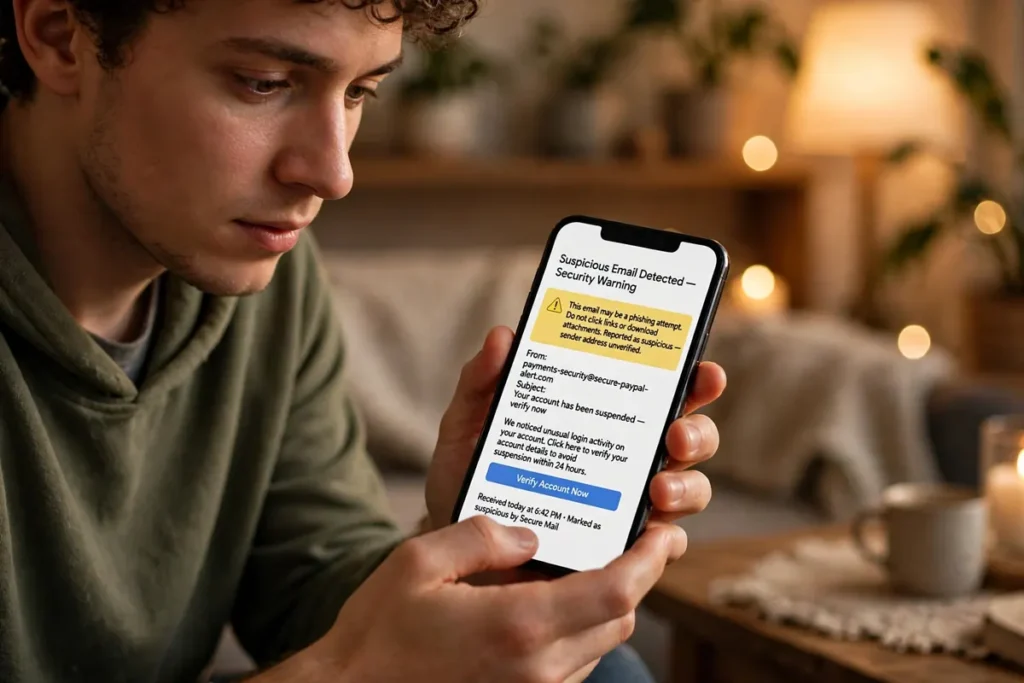
Many of these messages are phishing attempts. Phishing is when someone pretends to be a bank, a delivery company, a social media site, or even a friend, to trick you into sharing a password, a bank detail, or personal information, or into installing harmful software.
The good news is that most phishing messages share the same warning signs. Once you know them, you can check a message in about 30 seconds and decide safely, without panic.
What Is Phishing, in Simple Words?
Phishing is a type of online fraud. The attacker sends a message that looks real, but the link or attachment inside it leads somewhere else. If you click and enter your details, the attacker can steal them.
Phishing can arrive by email, text message, WhatsApp, or social media. The message often creates fear or excitement, so you act quickly without thinking. That rush is the trick. A real bank or company will rarely ask you to log in through a sudden, urgent link in a message.
The 30-Second Check: 5 Things to Look At
Use these five checks in order. You do not need any special tool.
1. Check the sender, not just the name
Look at the full email address or phone number, not only the display name. A message may show “Your Bank” as the name, but the actual address could be something strange, with extra letters, numbers, or a different domain.
Ask yourself: have I received real messages from this sender before, and does this address match? If the address looks odd, treat the message as suspicious, even if the logo looks perfect. Logos are easy to copy.
2. Hover over the link — do not click yet
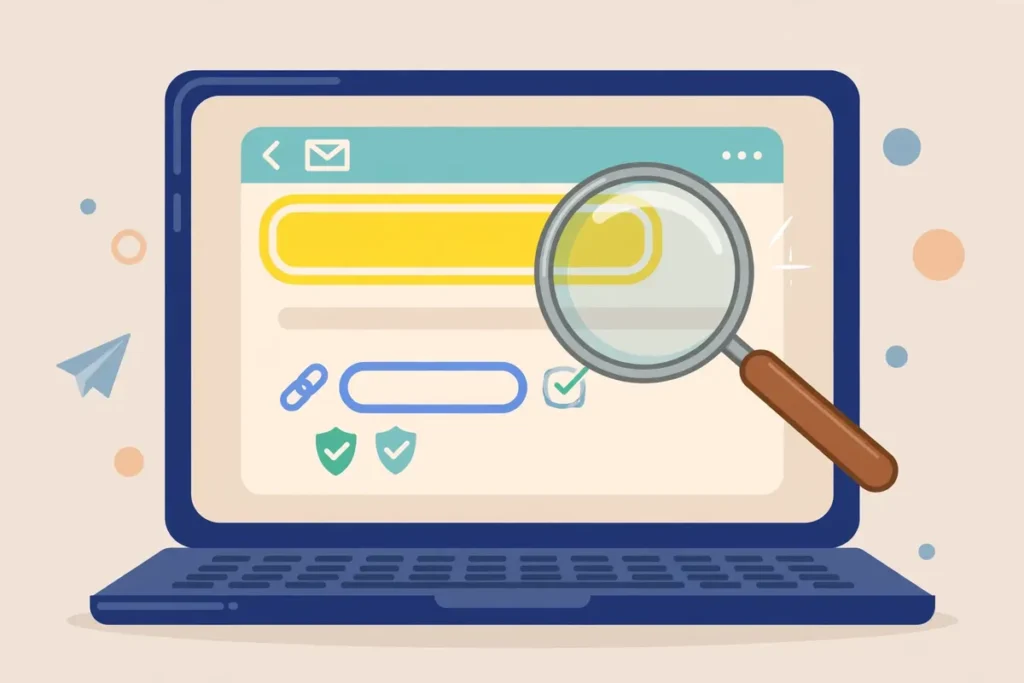
On a computer, move your mouse over a link without clicking it. The real web address will usually appear at the bottom of your browser. On a phone, press and hold the link carefully to preview it, without opening it, if your phone offers that option.
Does the link go to the official website you expect, or to a strange address with misspellings, extra words, or a short link that hides the destination? If you are not sure, do not click. Instead, open the official app or type the official website address yourself in your browser.
3. Watch for urgency and threats
Phishing messages often say things like “Your account will be closed today”, “Pay now or face a fine”, or “Claim your prize in 10 minutes”. Real companies do give deadlines, but they do not usually force you to act in minutes through a single link, and they do not threaten you in this way.
If a message makes you feel panicked or excited, pause. That feeling is often intentional. Take a breath, and check the message with the five checks instead of clicking at once.
4. Look for spelling, grammar, and strange requests
Many phishing messages have spelling mistakes, awkward grammar, or sentences that do not sound natural for the company they claim to be. This is not always true — some phishing messages are well written — but mistakes are still a useful warning sign.
Also watch for strange requests. A real bank will not ask for your full password, PIN, or one-time code by email or message. A delivery company will not ask you to pay a small fee through an unknown link to release a package you did not order. If a request feels odd, it probably is.
5. Check attachments and QR codes carefully
Do not open unexpected attachments, especially files ending in .exe, .zip, or .scr, even if the message looks official. A QR code in a message can also hide a harmful link, so do not scan a QR code from an unknown sender just because the message tells you to.
If you were expecting a document from someone you know, confirm with that person through a different channel — for example, a phone call or a separate message — before opening it.
What to Do If You Already Clicked
Do not panic. Acting quickly can still help.
First, do not enter any more details. Close the page. If you entered a password, change it right away from the official website or app, not from the link in the message. If you used the same password elsewhere, change it there too, and turn on two-factor authentication.
If you entered bank or card details, contact your bank immediately through the official number on your card or on the bank’s official website. They can check your account and block the card if needed.
Then, report the message. Most email apps have a “Report phishing” option. You can also delete the message after reporting it. Finally, run a security scan on your device with a trusted antivirus app.
How to Report Phishing
Reporting helps protect other people too. In Gmail, open the message, tap the three dots, and choose “Report phishing”. In other email apps, look for a similar report option. For text messages, many phones allow you to report spam from the message options.
You can also report a phishing website to your browser or to the company being impersonated, through its official support page. Never forward a phishing message to friends to “warn” them by sharing the link — that can spread the risk. Instead, tell them what the message looked like, without the link.
Simple Habits That Keep You Safe
A few habits make phishing much less likely to succeed.
Use strong, different passwords for important accounts, and turn on two-factor authentication wherever it is offered. Keep your phone and computer updated, because updates often fix security problems.
Be careful with public Wi-Fi for banking or sensitive accounts, and use the official app for your bank or delivery service instead of links in messages. Finally, teach family members the 30-second check, especially older relatives and children, who are often targeted first.

Frequently Asked Questions
Can a phishing message come from someone I know? Yes. If a friend’s account is hacked, messages can be sent from their account. If a message from a friend looks strange or asks for money or a code, check with them through a different method before trusting it.
What if the message has no link, only a phone number? That can still be phishing, sometimes called vishing. Do not call the number in the message. Instead, call the company using the number on its official website or on your card.
Are short links always dangerous? No, short links are also used by real companies. But because a short link hides the destination, you should be extra careful. If you did not expect the link, open the official app or website yourself instead.
Should I reply to a phishing message to test it? No. Replying confirms that your address or number is active, which can lead to more phishing attempts. Report and delete it instead.
Conclusion
You do not need to be a security expert to stay safe from phishing. Remember the 30-second check: sender, link, urgency, spelling and strange requests, and attachments. If something feels rushed or odd, pause and verify through the official app or website.
Share this simple check with your family. The more people who know it, the harder it becomes for phishing messages to succeed.