

Introduction
Most people know they should use a strong password, but many still use the same simple password everywhere, because it is easy to remember. The problem is that a password that is easy for you to remember is often also easy for someone else to guess, especially if it is a name, a birthday, or a common word.
The good news is that a strong password does not have to be a random string you cannot remember. With a simple method, you can create passwords that are long, unique, and still memorable. This guide shows you how, and explains when a password manager makes life even easier.

Why Length Matters More Than Complexity
A short password, even with symbols, can be guessed quickly by a computer trying many combinations. A longer password is much harder to guess, even if it uses ordinary words.
For example, a password made of four unrelated words, such as “correct horse battery staple” style combinations, is far stronger than a short password like “John123”, because of its length. The exact words do not matter, as long as they are not a famous phrase, a song lyric, or something connected to you personally.
Aim for at least 12 characters for important accounts, and longer where possible. Length, uniqueness, and not reusing the same password matter more than adding a complicated symbol you will forget.
A Simple Method: The Sentence Password
One easy method is to turn a sentence only you know into a password.
Pick a sentence, such as “My first bicycle was blue and I rode it every summer!” Then take the first letters, or use the sentence with some words replaced, to make a password you can remember by thinking of the sentence. Another method is to pick four random words from different topics, and add a number and a symbol in a place you will remember.
Do not use sentences about your life that others can find on social media, such as your school, your pet’s name, or your favourite team. The sentence should be personal in a way that is not public, or completely random words that you can still picture together.
Test your method on a less important account first. If you can recall it the next day without writing it down in an obvious place, it is a good method for you.
Never Reuse Your Most Important Passwords
Reusing the same password is the biggest risk for most people. If one website leaks your password, attackers can try the same password on your email, bank, and social media accounts. This is called credential stuffing, and it works because so many people reuse passwords.
At minimum, use a unique password for your email, your bank, your main social media accounts, and any account that can reset other passwords. Your email is especially important, because it can often be used to reset passwords for many other services.
If you have reused a password in the past, change it on your most important accounts first, starting with email and banking. You do not have to change everything in one day, but start with the accounts that would cause the most harm if someone else got in.
Use a Password Manager When You Can
A password manager is an app that stores your passwords securely behind one master password. It can generate long, random passwords for each site, and fill them in for you, so you do not have to remember dozens of different passwords.
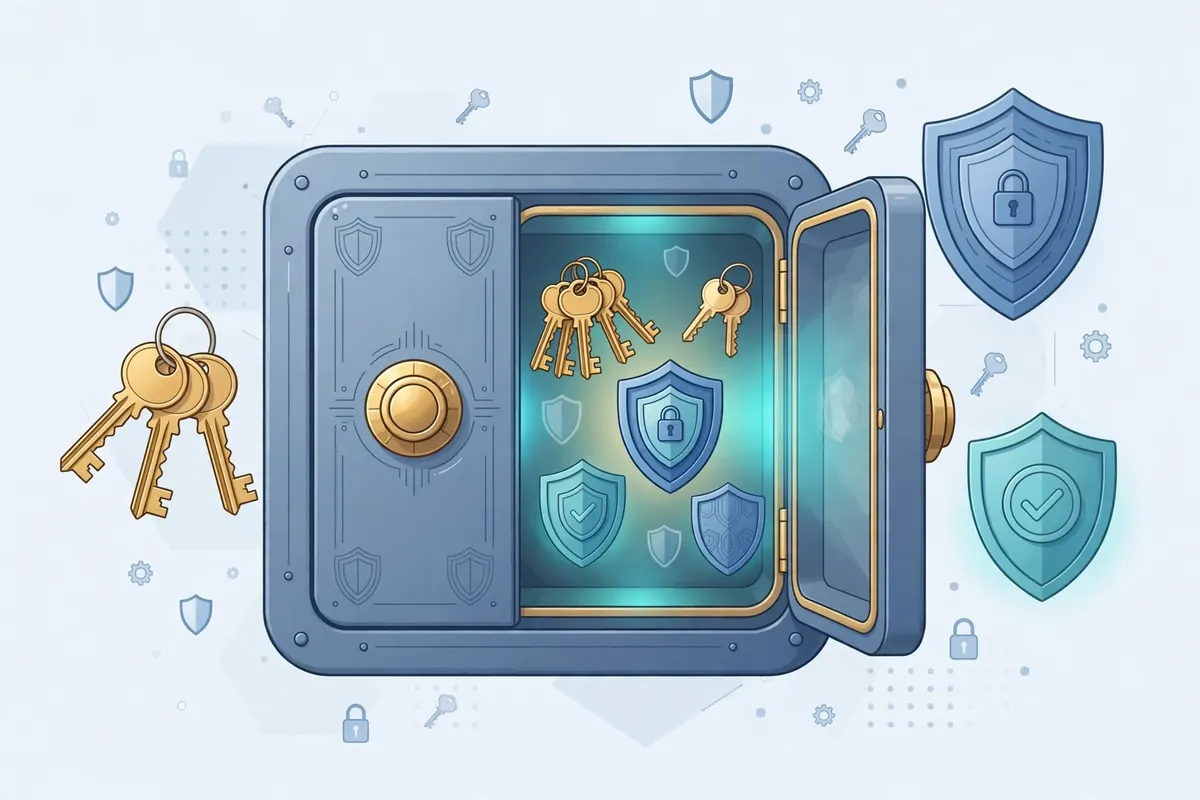
Choose a reputable password manager, use a strong master password that only you know, and turn on two-factor authentication for the password manager itself. Do not share your master password with anyone, and do not store it in a note on your phone or in an email to yourself.
If you do not want a password manager yet, keep a written list in a secure place at home, not in a file on your computer named “passwords”, and not in a photo in your phone gallery. A password manager is safer and easier in the long run, but a secure offline list is better than reusing the same simple password everywhere.
Turn On Two-Factor Authentication
Two-factor authentication, or 2FA, means that even if someone gets your password, they still need a second code to log in. That code usually comes from an authenticator app on your phone, or sometimes from a text message.
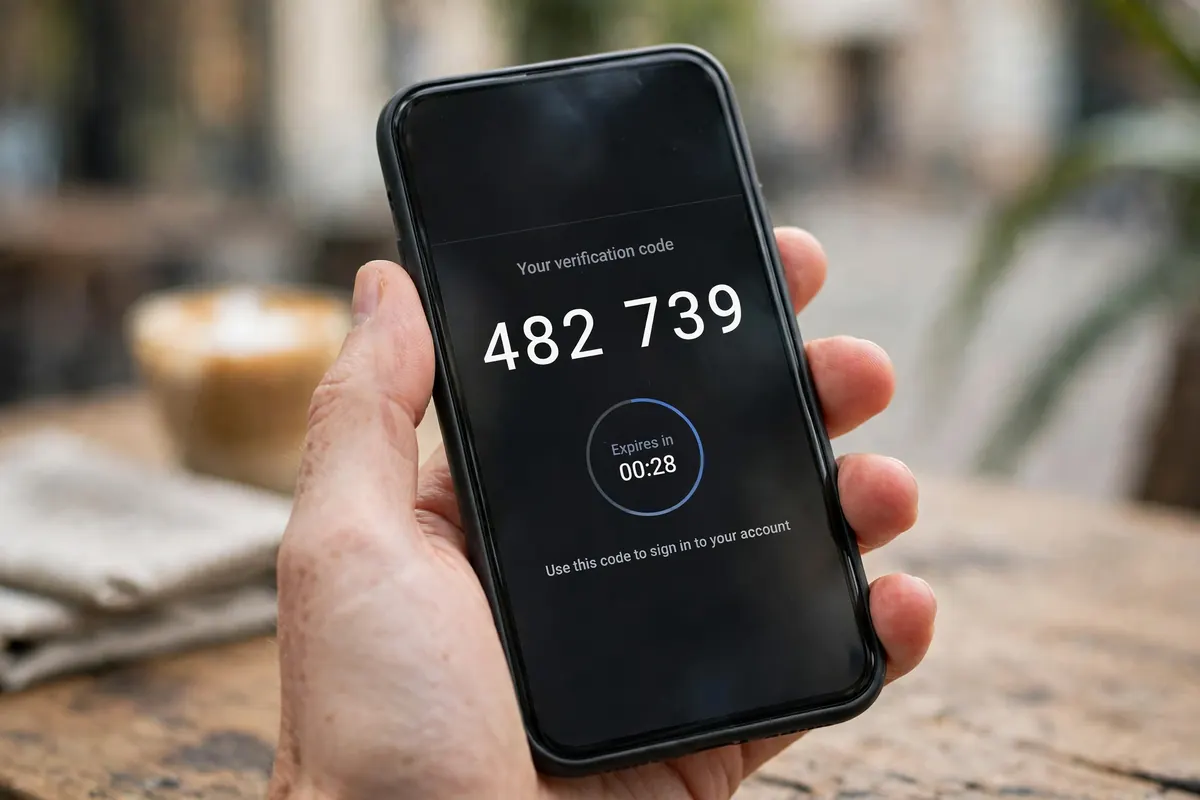
Turn on 2FA for email, banking, social media, and cloud storage. Use an authenticator app where possible, because it is more secure than a text message code, which can sometimes be intercepted. Keep backup codes in a safe place, in case you lose your phone.
2FA does not replace a strong password, but together they make your accounts much harder to break into, even if a password leaks.
What to Do If Your Password Leaks
If a service tells you your password may have leaked, change it right away, starting with that service and any other service where you used the same password. Do not wait to see if anything bad happens.
Check your account activity for logins you do not recognise, and change your email password as well if the leaked account is connected to it. If you used the leaked password for banking, contact your bank and check recent transactions.
After changing the password, turn on 2FA if you have not already, and make a note to use a unique password for that service in future.
Frequently Asked Questions
Should I change my password regularly? Changing a strong, unique password for no reason is less important than it used to be. Focus on using a unique password for each important account, and change it immediately if you suspect a leak or if a service tells you to.
Is it safe to save passwords in my browser? Browser password saving is convenient, but it is safer if your computer or phone is protected with a strong lock screen and you are the only user. A dedicated password manager usually offers stronger protection and works across devices.
What makes a password weak? Short length, common words, names, birthdays, repeated patterns like “123456”, and reuse across many sites all make a password weak, even if it contains a symbol or a capital letter.
Can I use the same password for unimportant sites? It is better not to, but if you must, never reuse a password from an important account on an unimportant site. A leak from a small site can still be used to try your important accounts.
Conclusion
A strong password does not have to be hard to remember. Use length, uniqueness, and a sentence or four-word method you can recall, never reuse your most important passwords, and turn on two-factor authentication. If remembering many passwords is hard, a password manager can do the hard part for you.
Start today with your email account. That one change alone makes all your other accounts safer.