

Introduction
Have you ever asked an AI chatbot a question and got a vague, long, or unhelpful answer? Often the problem is not the AI, but the prompt — the instruction you gave it. A clear prompt usually gives a much better answer, even from the same chatbot.
This guide explains how to write better prompts, step by step, with simple examples you can try right away. You do not need technical knowledge, just a little practice in being clear about what you want.
What Is a Prompt?
A prompt is the message you send to an AI chatbot. It can be a question, an instruction, or both. For example, “Explain photosynthesis” is a prompt, and so is “Explain photosynthesis in simple words for a beginner, in 5 bullet points.”
The second prompt is better, because it tells the AI who the answer is for, how simple it should be, and how it should be formatted. Good prompts usually include four things: context, task, format, and limits. You do not need all four every time, but adding even one or two often improves the answer a lot.
Step 1: Give Context
Context tells the AI what situation you are in, so it can give a relevant answer instead of a generic one.
Instead of: “Write an email.” Try: “Write a short, polite email to my teacher asking for one extra day to submit homework, because I was sick yesterday.”
The second version gives the AI the purpose, the recipient, the tone, and the reason. That makes the draft much more useful, and you will need fewer edits afterwards.
For study, context could be: “I am a beginner learning basic algebra, and I do not understand fractions yet.” For work, it could be: “I run a small shop and need a simple social media post for a weekend sale.”

Step 2: Be Specific About the Task
Vague tasks give vague answers. If you want a list, say list. If you want steps, say steps. If you want an explanation, say what level of detail you need.
Instead of: “Tell me about the Moon.” Try: “Give me 5 interesting facts about the Moon for a school presentation, in simple language, each fact in one sentence.”
Specificity also helps with length. Say “in about 100 words” or “in 3 short paragraphs” if you want a short answer, and “explain in detail” if you want a longer one. Without a length hint, the AI may give you far more or far less than you need.
Step 3: Ask for a Format
Format is how you want the answer to look. Common formats are bullet points, numbered steps, a table, a short paragraph, or a checklist.
For example:
- “Summarise this article in 5 bullet points.”
- “Turn these notes into a table with two columns: topic and key point.”
- “Write this as a checklist I can follow step by step.”
Asking for a format saves you time, because you do not have to reformat a long paragraph yourself. It also helps the AI stay focused, instead of wandering into unrelated details.
Step 4: Improve the Answer Step by Step
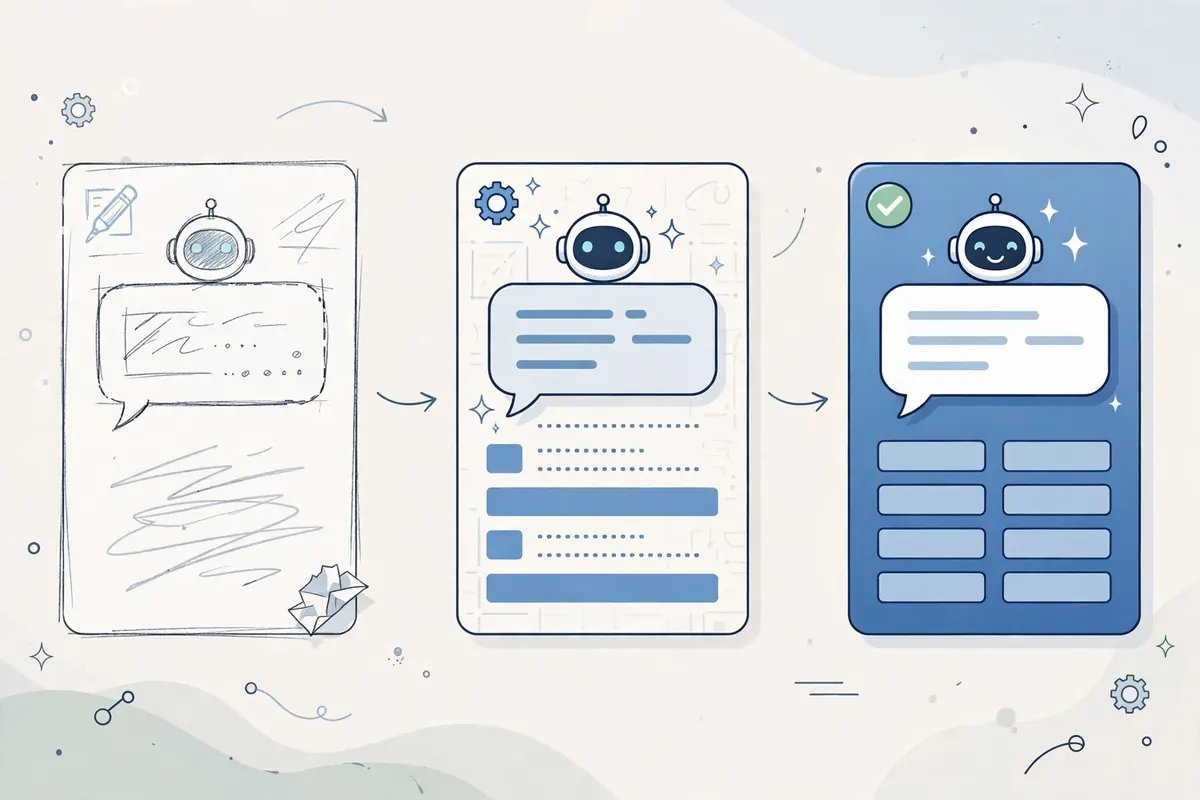
Your first prompt does not have to be perfect. Good prompting is often a conversation, not a single message.
If the answer is too long, say: “Make this shorter, in 3 bullet points.” If it is too complex, say: “Explain this like I am 12 years old.” If it missed a point, say: “Add one more example about saving money.” If it is wrong, say: “Check this fact and correct it if needed, and explain why.”
Each follow-up prompt narrows the answer closer to what you actually need. Think of it like talking to a helpful assistant: you would not expect the first draft to be perfect, you would give feedback and ask for changes.
Common Prompt Mistakes to Avoid
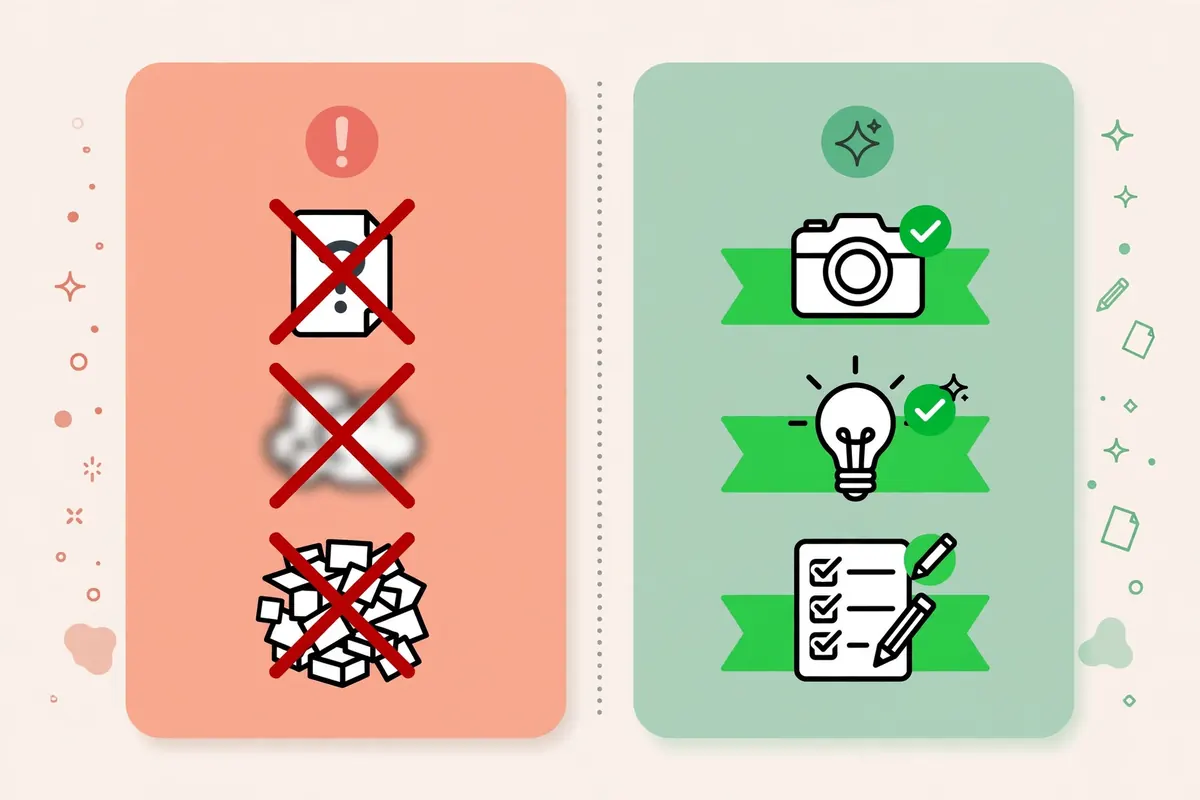
One common mistake is asking several unrelated questions in one prompt. The AI may answer only part of them, or mix them together. Ask one main question at a time, then follow up with the next one.
Another mistake is giving no context at all, then being unhappy with a generic answer. A few extra words about your goal, audience, or level usually fix this.
A third mistake is trusting the first answer without checking it, especially for dates, numbers, health, money, or legal topics. AI chatbots can sound confident even when they are wrong, so check important facts from a trusted source before you use them.
Finally, do not paste private information into a prompt. Avoid passwords, bank details, personal photos, and other people’s private data. Use general examples instead of real personal details.
Prompt Examples You Can Copy and Adapt
Here are a few templates you can adapt to your own tasks. Replace the parts in brackets with your own details.
Study: “Explain [topic] in simple words for a beginner, in 5 bullet points, and give me 3 quiz questions to test myself.”
Writing: “Draft a short, friendly message to [person] about [topic], in a polite tone, in about 80 words.”
Planning: “Make a simple weekly study plan for [subject], 30 minutes a day, with one rest day, in a table.”
Ideas: “Give me 10 simple ideas for [project], for a beginner, with one sentence explaining each idea.”
Try one template today, then change one part at a time and see how the answer changes. That practice is the fastest way to learn prompting.
Frequently Asked Questions
Do I need to learn special prompt language? No. Plain, clear language works best. Write as if you are explaining a task to a helpful friend who does not know your situation yet.
Why does the same prompt give different answers? AI chatbots can generate different wording each time, even for the same prompt. If you get a different answer, it does not mean the first one was wrong — it means the AI has many possible ways to answer. Ask for clarification if you need a specific detail.
Can a prompt make an AI answer perfectly? No prompt can guarantee a perfect answer. A good prompt improves the chances a lot, but you still need to check facts, edit the output, and take responsibility for the final version.
Should I use long prompts or short prompts? Use the length you need. A short, clear prompt is better than a long, confusing one. Add context and format only where they help, and remove details that do not change the answer.
Conclusion
Writing better prompts is a simple skill: give context, be specific about the task, ask for a format, and improve the answer step by step. You do not need to learn special language, just be clear about what you want and who it is for.
Try it today with one real task. Write a clear prompt, check the answer, give one follow-up, and see how much better the result becomes.