
A blank CV page is hard to start, and a finished CV is easy to improve. That is exactly where AI helps. It can turn rough notes about your jobs into clear sentences, suggest stronger wording, and tidy up the layout of your ideas. It cannot invent your experience, and it should never have the last word — you should.
This guide shows a safe way: start with your real facts, give the AI a clear job, edit what it returns, and check every line before you send it. It works with free AI chatbots such as ChatGPT, Gemini, or Copilot, and follows the same CV rules as this guide: How to Make a Professional CV in Microsoft Word.
Why AI Helps — and Where It Stops
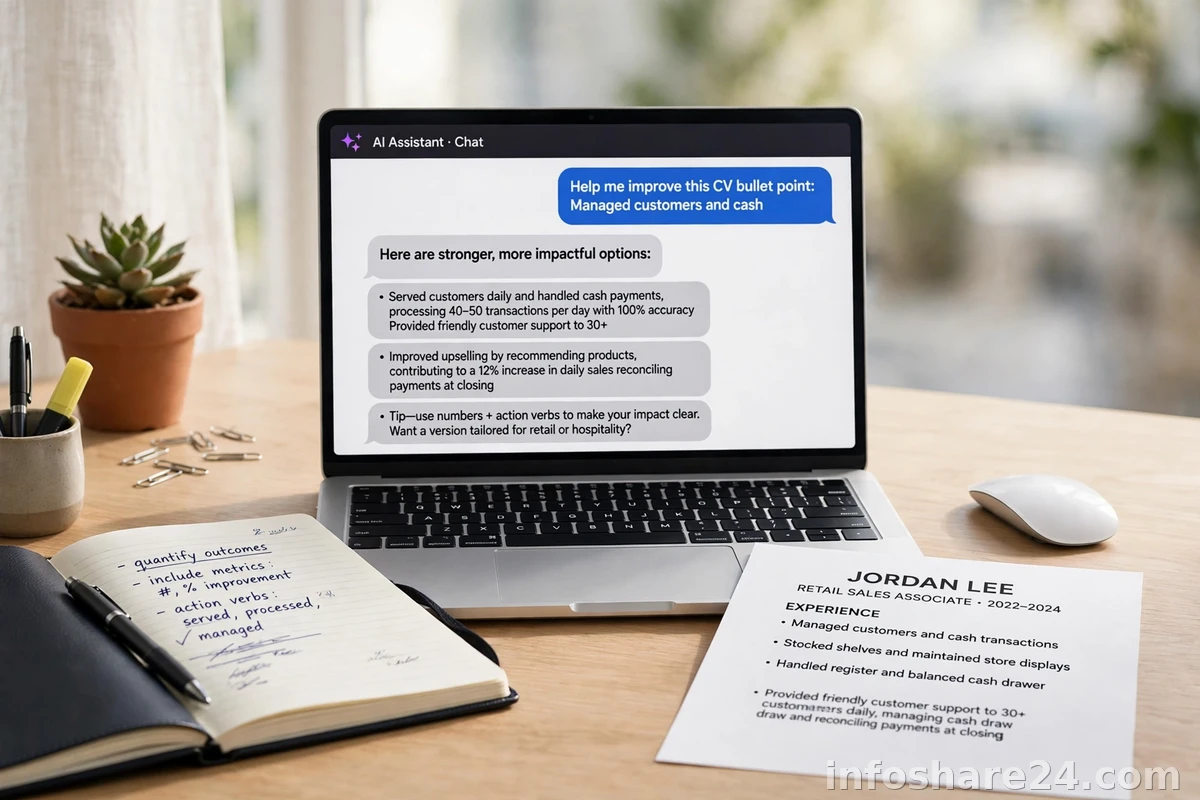
AI is good at wording. Give it “worked in a shop, helped customers, handled cash” and it can suggest “Served customers daily, handled cash payments, and resolved routine queries.” The facts are yours; the phrasing is better.
AI is bad at facts. It does not know your jobs, your dates, or your skills, and if you give it too little information, it will fill the gaps with confident-sounding guesses — the most dangerous part of an AI-written CV, because an employer may ask about them in an interview.
So use this rule throughout: AI drafts, you decide. Nothing goes on your CV just because the AI wrote it.
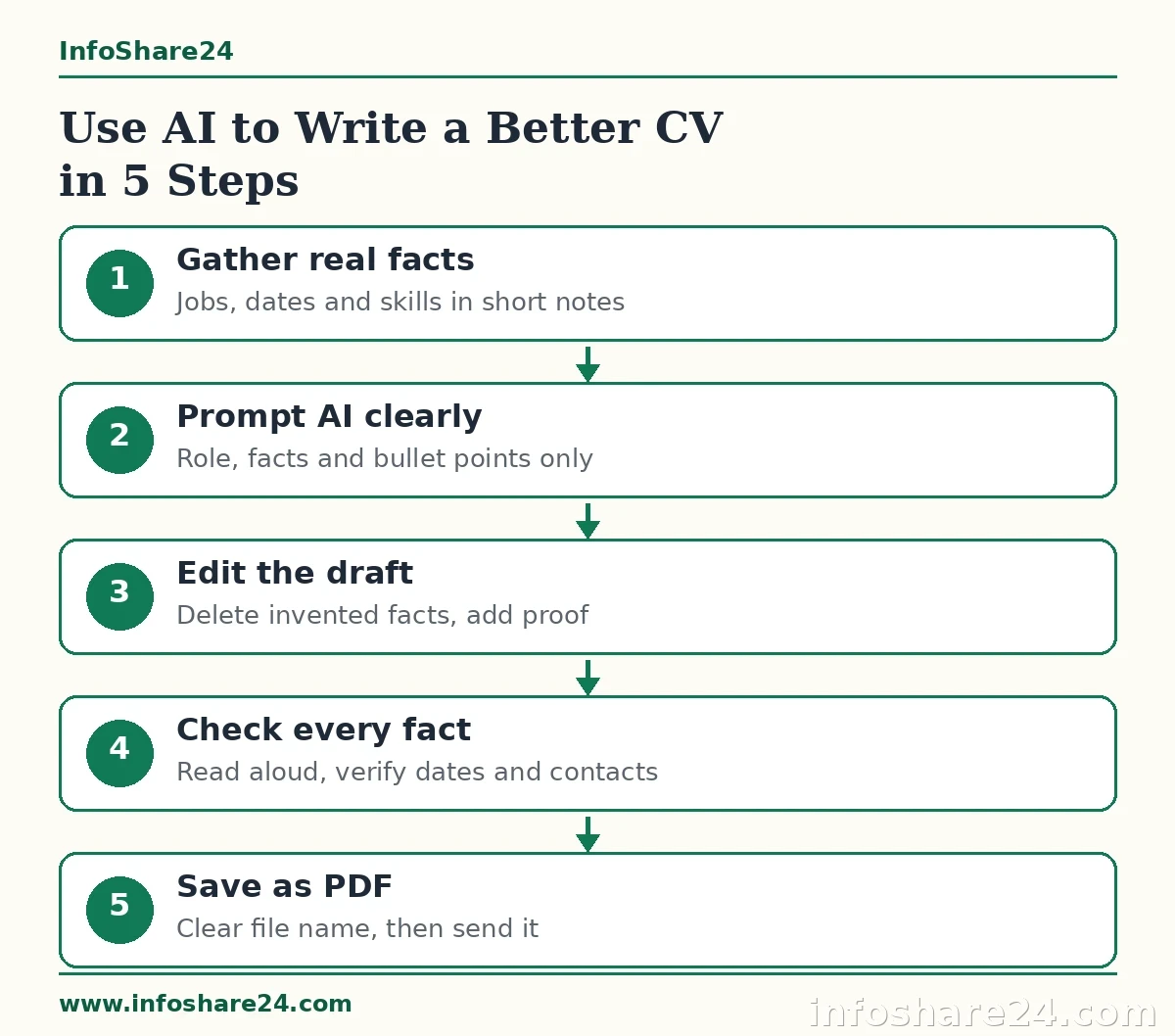
Step 1: Gather Your Real Facts First
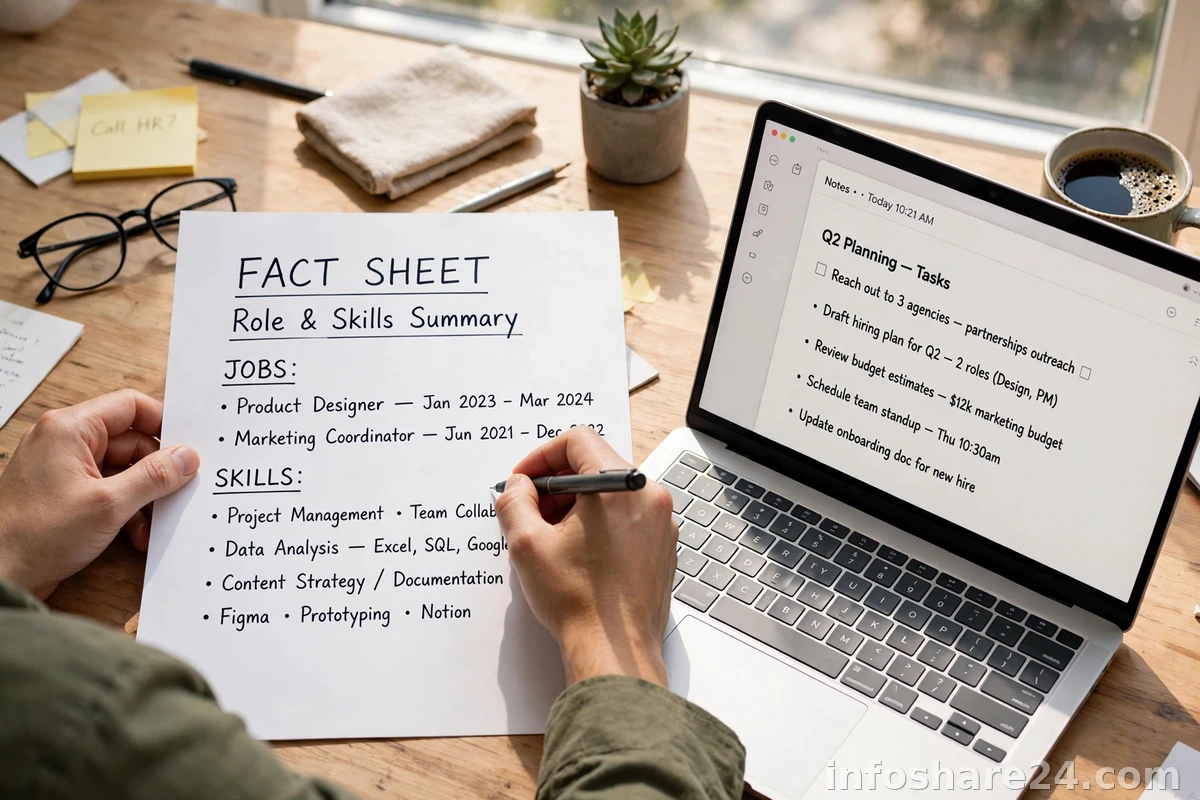
Never start by asking AI to “write my CV” with no information. Start with a short fact sheet about yourself, in plain notes. AI can only be as honest as the facts you give it.
- List every job, course, and activity with dates. Write the role, the organisation, the dates, and two or three things you actually did in each one — “Sales assistant, 2023–2024, served 30 customers a day, handled cash” is enough.
- Write down the skills you can honestly use. Include languages, software, and practical skills such as Excel or customer service. Leave out anything you cannot demonstrate.
- Note the job you are applying for, and copy its key words. If the advertisement asks for “customer service, cash handling, and weekend work,” write those words down, and use them in your prompt, so the AI keeps your CV relevant to that exact role.
- Keep personal details out of the fact sheet. Do not paste your full address, ID number, date of birth, or bank details into an AI chatbot. A name, city, phone number, and email address are enough for a CV draft.
Step 2: Give the AI a Clear Prompt
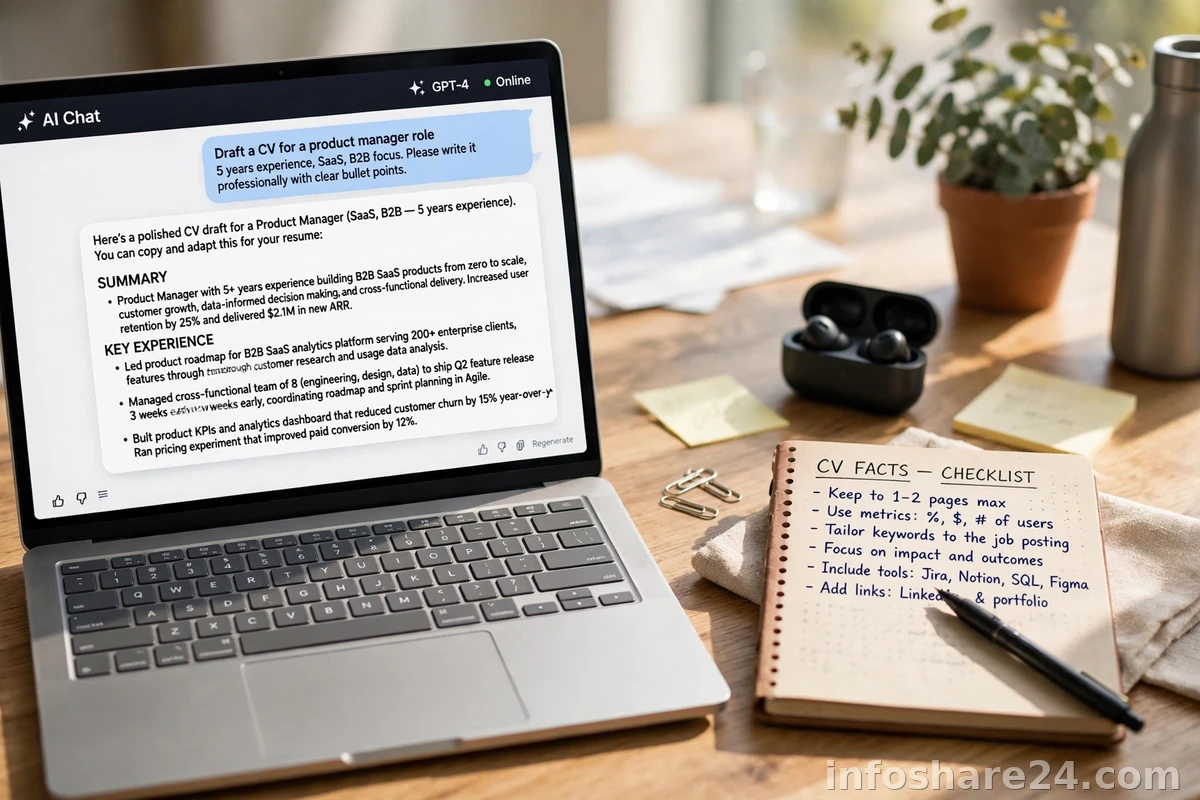
A vague prompt gives a vague CV. A clear prompt — role, facts, length, and tone — gives a usable first draft. For prompting basics, see: How to Write Better Prompts for AI Chatbots: A Beginner’s Guide.
- Tell the AI what role it is writing for. Start with one line, for example: “Write a one-page CV for an entry-level office assistant job, in simple professional English.” That stops a generic CV that fits no job.
- Paste your fact sheet, and ask for bullets, not paragraphs. Try: “Use only the facts below. Do not add jobs, dates, or skills I did not list. Write each job as three short bullet points starting with an action word.” This one instruction prevents most invented experience.
- Ask for a short profile of two or three lines. For example: “Write a two-line profile from my facts, naming my strongest skill and the role I want.” If it could belong to anyone, ask the AI to rewrite it with one specific fact from your list.
- Ask for a second version only after the first one is fixed — one good draft beats five sloppy ones.
Step 3: Edit the Draft Like an Employer Would
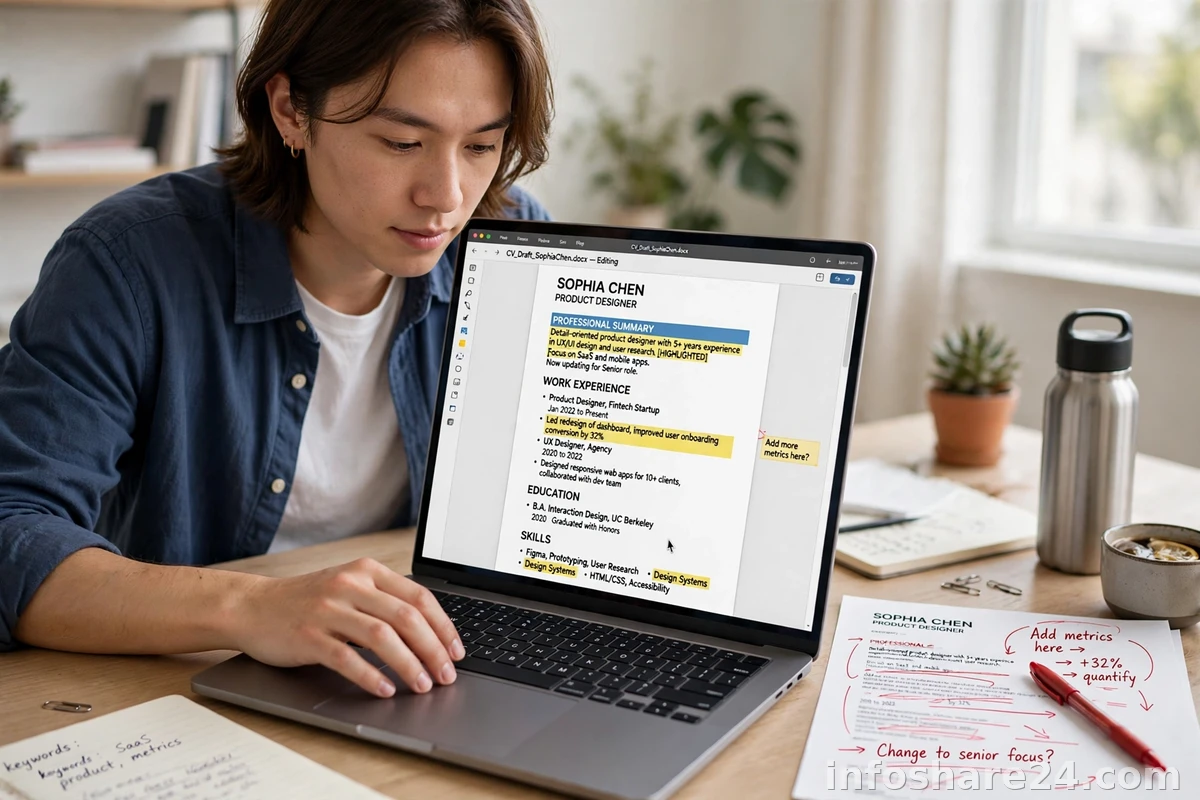
An AI first draft is a starting point, not a finished CV. Read it slowly, as if you were the person hiring, and cut anything that does not earn its place.
- Delete every invented fact, even a small one. Check each date, job title, and number against your fact sheet. If the AI wrote “managed a team of five” and you never did, delete it. One invented line can cost you the application.
- Replace empty phrases with proof. Change “hardworking team player” to something only you could say, such as “Served 30 customers a day in a busy shop and handled cash.” If a sentence could describe any applicant, it describes no one.
- Shorten long sentences and remove repeated words. AI often repeats the same idea twice — keep the clearer version and delete the other. Aim for one page as a student or recent graduate, and two pages at most with several years of experience.
- Match the wording to the job advertisement — honestly. If the job asks for “customer service” and you did serve customers, use those exact words. Never copy a skill you do not have.
Step 4: Check Every Fact Before You Send It
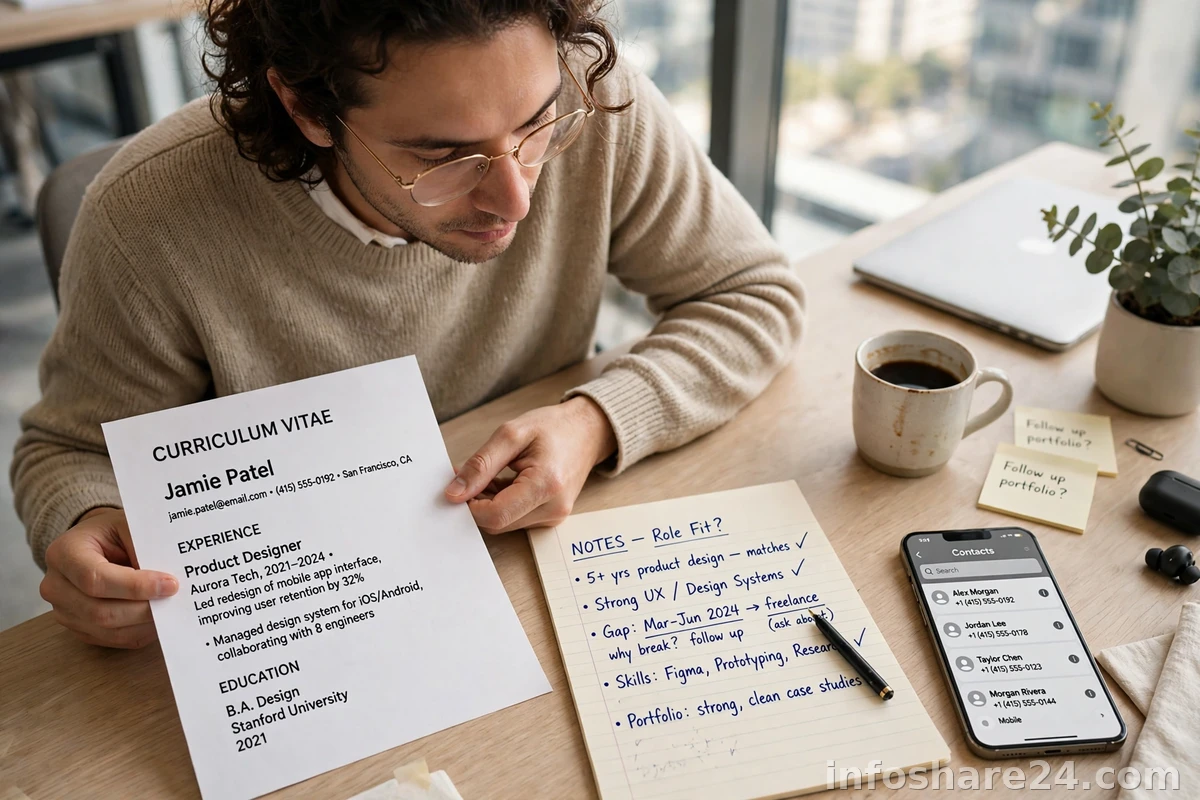
This is the step people skip, and the step that matters most. AI writes smoothly, so mistakes hide easily in good-looking sentences.
- Read the whole CV out loud, slowly. You will hear repeated words, wrong dates, and sentences that sound impressive but say nothing. Fix them now, not after sending.
- Check the small details twice: name, phone number, email address, and dates. One wrong digit in a phone number means the employer cannot reach you. Ask a friend to read it too.
- Ask the AI to check, but verify its answer yourself. Paste your draft back and ask it to check the grammar. If it suggests adding a new skill or achievement, do not accept it unless it is true.
- Save the final version as a PDF with a clear file name. Use a name such as YourName-CV.pdf, not Document1 or CV-final-final. PDF keeps your formatting the same on every computer, as most employers prefer.
Fixing Common Problems
If the draft sounds too formal, ask for a simpler version: “Rewrite this in plain, simple English.” Simple and honest beats fancy and wrong.
If the AI keeps adding skills you do not have, add this sentence to your prompt: “Use only the facts I gave you. Do not add new skills, jobs, or achievements.” If it still invents things, write that section yourself.
Frequently Asked Questions
Can I send a CV that AI wrote without changing it?
No. An unchecked AI draft often contains invented details, vague phrases, and wording that does not match your real experience. Edit and check every line yourself.
What should I never paste into an AI chatbot for my CV?
Never paste your ID number, full home address, date of birth, passwords, or bank details. Keep it to the facts an employer needs: name, city, contact details, education, experience, and skills.
Is AI useful if I have no work experience?
Yes, if you give it real facts. List volunteering, projects, coursework, and internships, and ask AI to turn those notes into clear bullet points.
Conclusion
It comes down to four steps: gather your real facts first, give the AI a clear prompt, edit the draft like an employer would, and check every fact before you send it. AI can make your CV clearer and stronger, but it cannot make it true — only you can do that.
Start with your fact sheet today — even ten short lines will do. Paste it into your AI chatbot with the prompt from Step 2, and you will have a first draft in minutes. Then spend your real time on editing and checking — that is where a good CV is actually made.