

AI tools can be a real help for students, but only when they are used the right way. Used well, they can explain a difficult topic, turn messy notes into a clear summary, and help you start research faster. Used badly, they can do your homework for you, give you wrong facts with great confidence, and leave you unprepared for the exam.
This guide is about the smart middle path: how to use AI for study, notes and research, what to avoid, and how to check the answers you get.
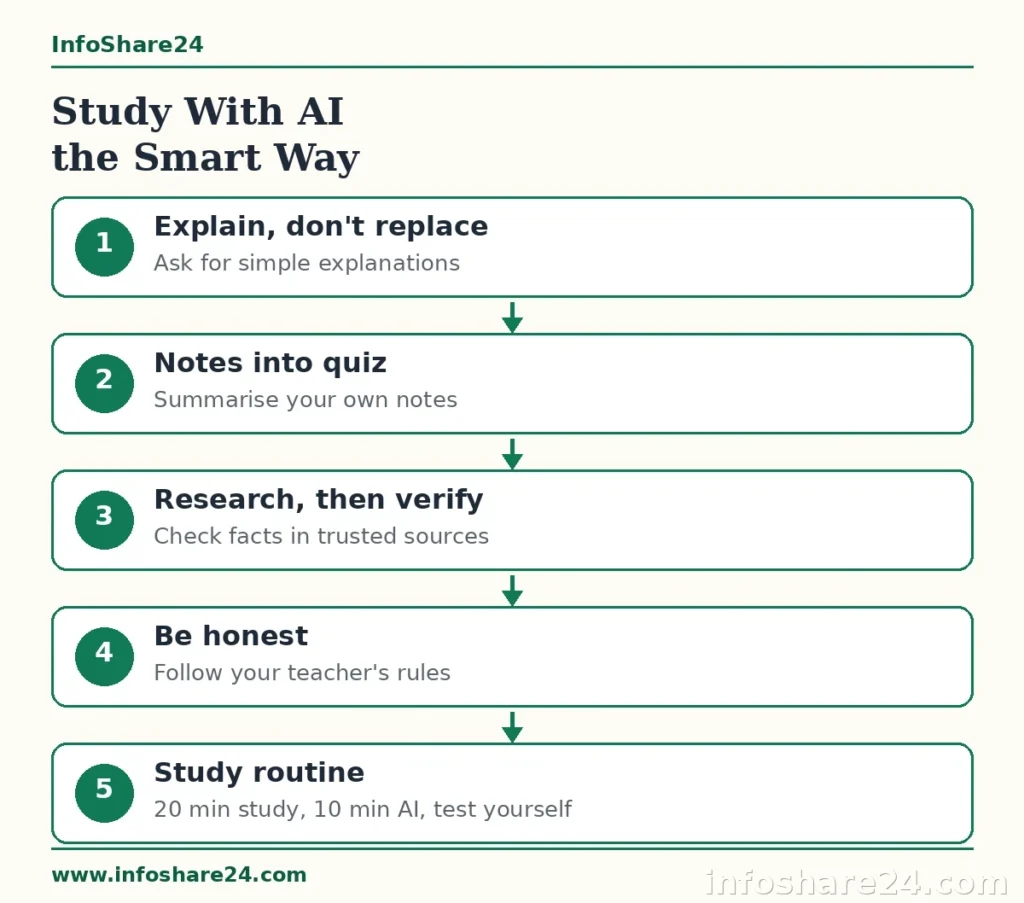
Use AI to Explain, Not to Replace Learning
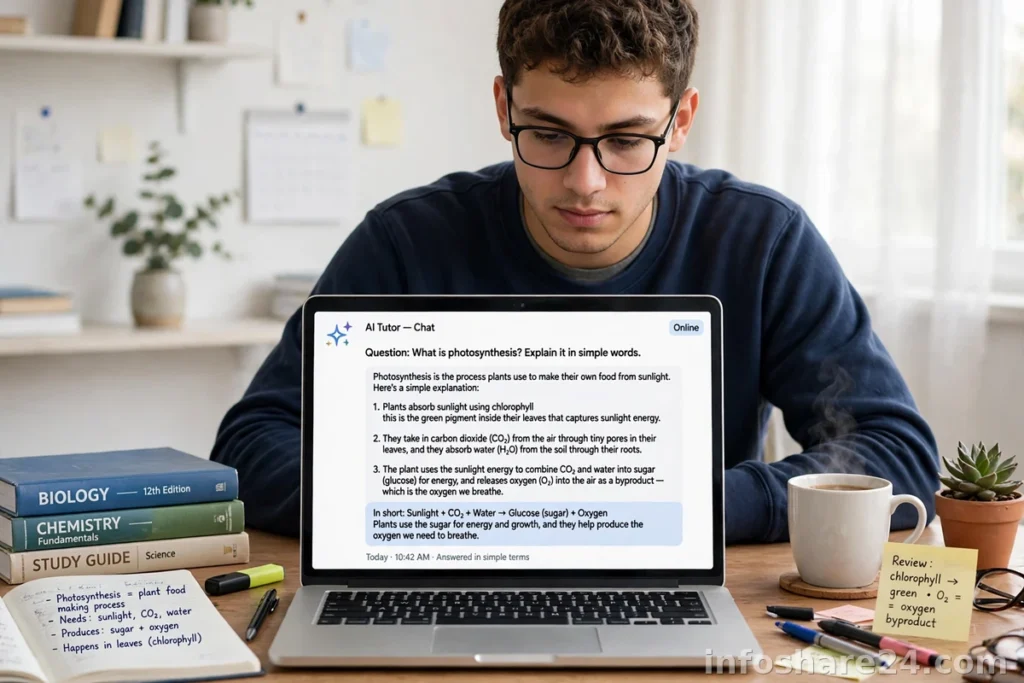
- Ask it to explain a difficult topic in simple words, with an example, and then ask a follow-up question. The best use of an AI chatbot for study is as a tutor that never gets tired.
- Try asking “Explain photosynthesis in simple words for a beginner, with one everyday example, in 5 bullet points” instead of “Write my essay on photosynthesis.” Then read the answer, close the chat, and try to explain it back in your own words. If you cannot, ask again at a simpler level until the idea clicks.
- Use this test: if the exam were tomorrow and the AI was not allowed, would you still understand the topic? If the answer is no, the AI did the work, not you. Use it to understand faster, not to skip understanding.
Turn Messy Notes Into Clear Study Notes
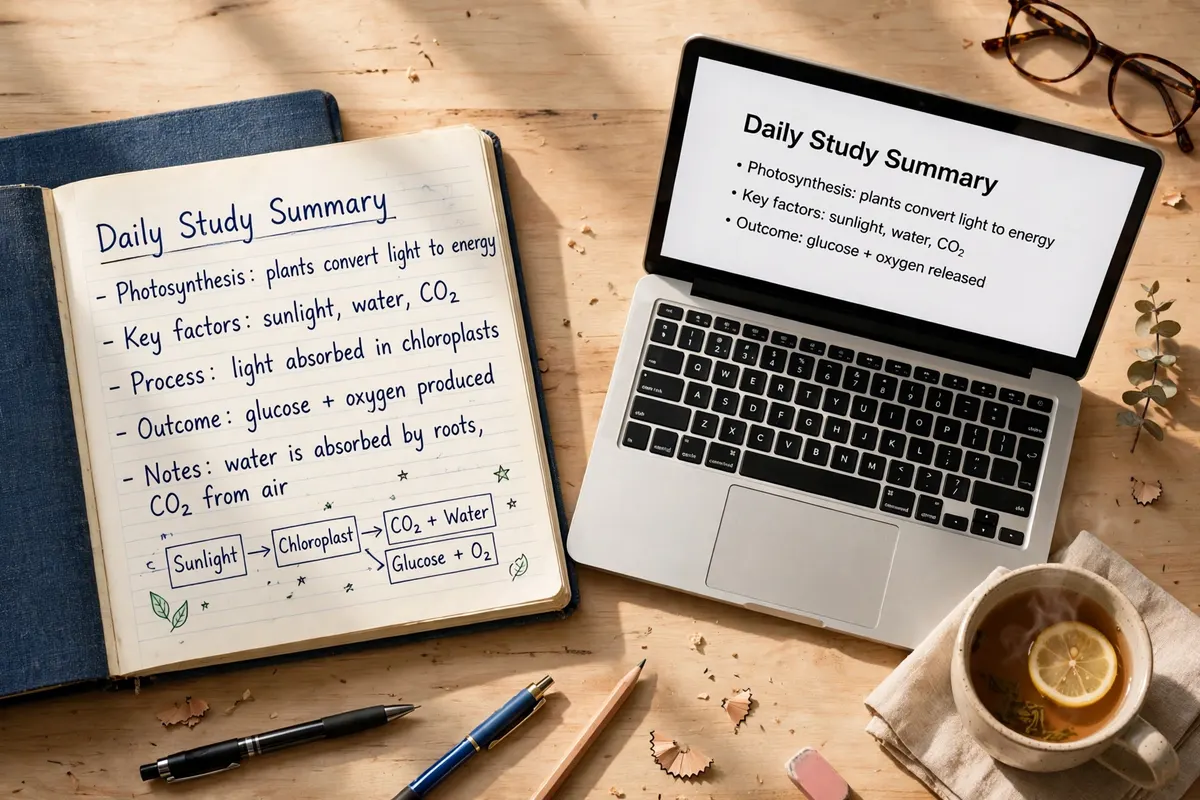
- Paste your class notes, or a short section of them, and ask for a summary, a list of key points, or a set of quiz questions. For example: “Summarise these notes in 10 key points, and then give me 5 quiz questions to test myself, without the answers first.” Questions without answers force you to think, instead of just reading.
- Always check the summary against your original notes. AI can drop an important detail, or add something that was not in your notes at all. The summary is a study aid, not a replacement for the source material.
- Keep your original notes, and use the AI version only to review faster.
Use AI to Start Research, Then Verify It
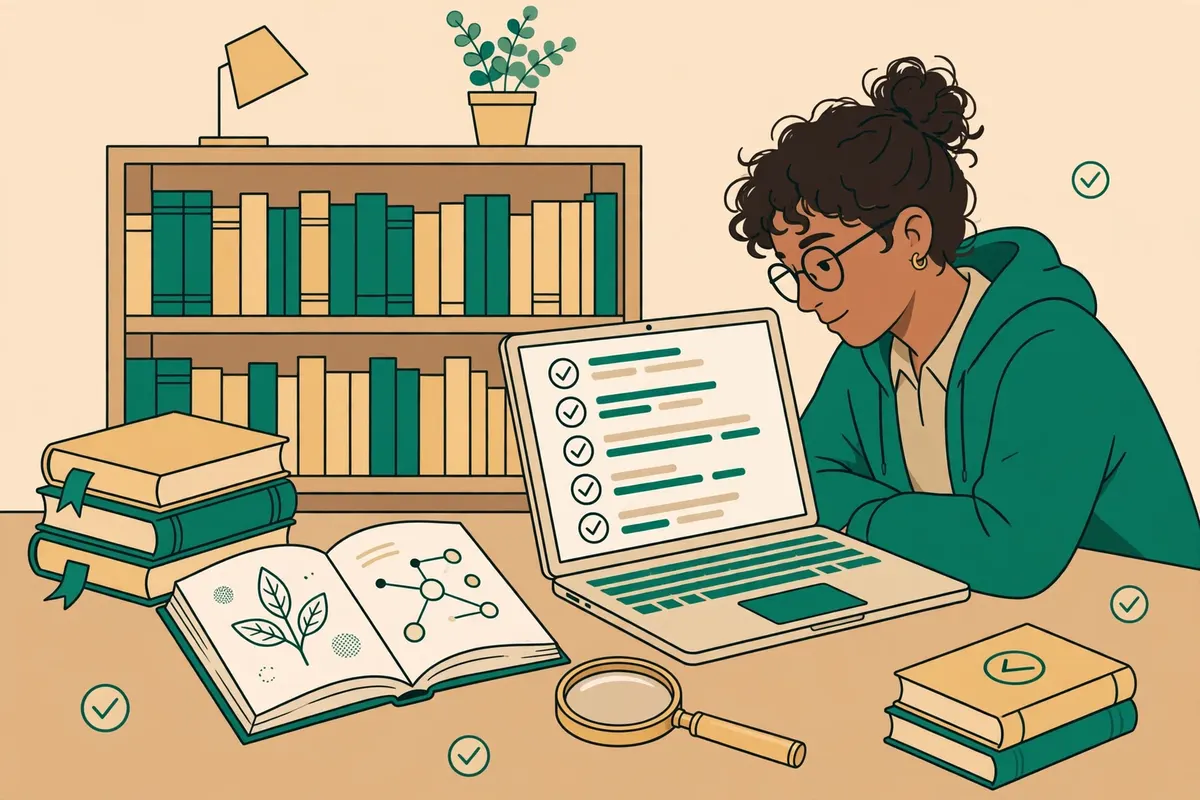
Research is where AI is both most useful and most risky. It can suggest topics, outline a project, and help you find the right keywords to search for. It is not a reliable source of facts on its own.
- First, ask the AI for an outline and for search terms. Second, search for those terms in trusted sources: textbooks, your teacher’s recommended sites, academic articles, or official websites. Third, write your work from those trusted sources, in your own words, with proper references.
- Never copy a reference, date, statistic or quote from an AI answer without checking it. AI tools sometimes invent references that look real but do not exist, and they can state a wrong number very confidently.
- If a fact matters for your grade, it must come from a source you have actually opened and read.
Be Honest About How You Used AI
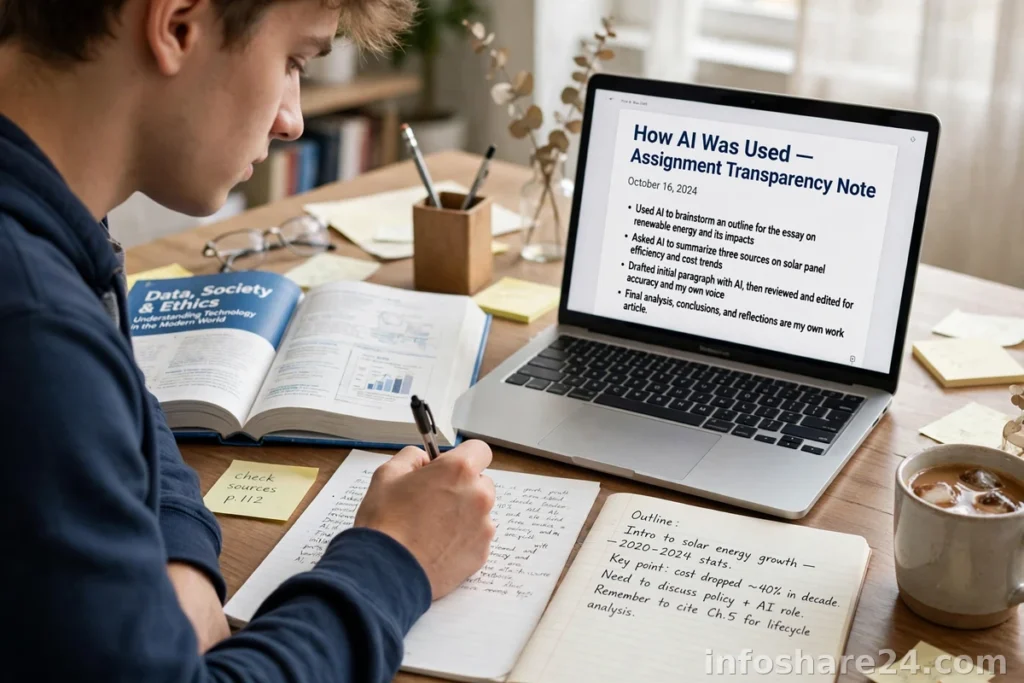
- Before you use AI for an assignment, check what your teacher allows. Some allow AI for brainstorming and explaining, but not for writing the final answer. Some allow it with a note saying how you used it. Some do not allow it at all for a particular task.
- When in doubt, ask. A short question, such as “May I use AI to explain this topic and to check my summary?”, takes a minute and avoids a serious problem later. Submitting AI-written work as your own, when the rules say not to, can count as cheating, even if the content itself is correct.
- Where it is allowed, add a simple honest note, like: “I used an AI chatbot to explain the topic and to turn my notes into quiz questions. The final answers are my own.” That transparency protects you and shows real learning.
Build a Simple Study Routine With AI
AI works best as part of a routine, not as a last-minute rescue the night before an exam. Here is a simple routine you can try for one subject this week.
- First, study the topic from your textbook or class notes for 20 minutes, without AI. Second, use AI for 10 minutes to explain anything you did not understand, and to make quiz questions from your notes.
- Third, close the AI and answer those questions from memory, in writing. Fourth, check your answers and note what you still got wrong.
- If you got a question wrong, relearn that point and test yourself again the next day. Short, repeated testing beats long, passive reading.
Common Mistakes Students Make With AI
- Do not copy the first answer without reading it properly. AI answers often look polished, even when they miss the point of the question or contain an error in the middle.
- Do not use AI for everything, including simple tasks you could do yourself in two minutes. That habit weakens your own skills over time, and it shows in exams where AI is not available.
- Do not share personal information with a chatbot: your full name, school, student ID, photos, or other people’s private details. Use general examples instead, and never paste an exam paper or an assignment that your school says must be your own work.
Frequently Asked Questions
Can AI help me revise faster before an exam? Yes, if you use it for summaries, explanations and quiz questions from your own notes, and then test yourself without it. It does not help if you only read AI answers and never practise recalling them yourself.
Should I trust AI for maths or science answers? Check calculations, formulas and units by hand or against your textbook before trusting a whole set of answers.
What if my teacher bans AI completely? Follow that rule for that subject or task. You can still use the study ideas in this guide without AI: explain topics in your own words, summarise your notes, and quiz yourself with questions you wrote yourself.
Is using AI for ideas considered cheating? It depends on your school’s rules and on the task. Brainstorming and explaining are usually treated differently from submitting AI-written work as your own. When you are unsure, ask your teacher and be honest about what you did.
Conclusion
AI for students works best as a tutor, not a shortcut: explain difficult topics, turn your own notes into clear summaries and quiz questions, start research with better search terms, and then verify every important fact from a trusted source. Keep your work honest, follow your teacher’s rules, and test yourself without AI before the exam.
Used that way, AI does not replace learning. It helps you find what you do not know yet, while you can still fix it. Start small, with one subject and one routine.

[…] day, do not do double the next day — restart with the normal 20 minutes. The note-taking ideas in AI for Students: Study Notes and Research the Smart Way pair well with this routine. Each week, look back: which words do you remember, and which activity […]