
Long articles and thick PDF reports are part of modern life: research papers, work reports, news investigations, study material. Reading every word takes hours, but skipping them means missing something important. AI summarising tools offer a middle path: they read the long text for you and return the main points in a few paragraphs or bullet points.
Used well, AI summaries save real time and help you decide what deserves a full read. Used badly, they can mislead you, because AI sometimes invents details or drops an important warning. This guide shows both sides: how to summarise articles and PDFs with AI, how to write prompts that get better summaries, how to check the result, and what you should never paste into an AI tool.
What AI Summarising Can and Cannot Do
An AI summariser reads your text and picks out what it judges to be the main ideas, then rewrites them in shorter form. It is good at finding the overall argument, listing the key facts, and turning a twenty-page report into a one-page overview. It is also good at changing the format: turning dense paragraphs into bullet points, or a technical paper into plain language.
Method 1: Paste Text from an Article
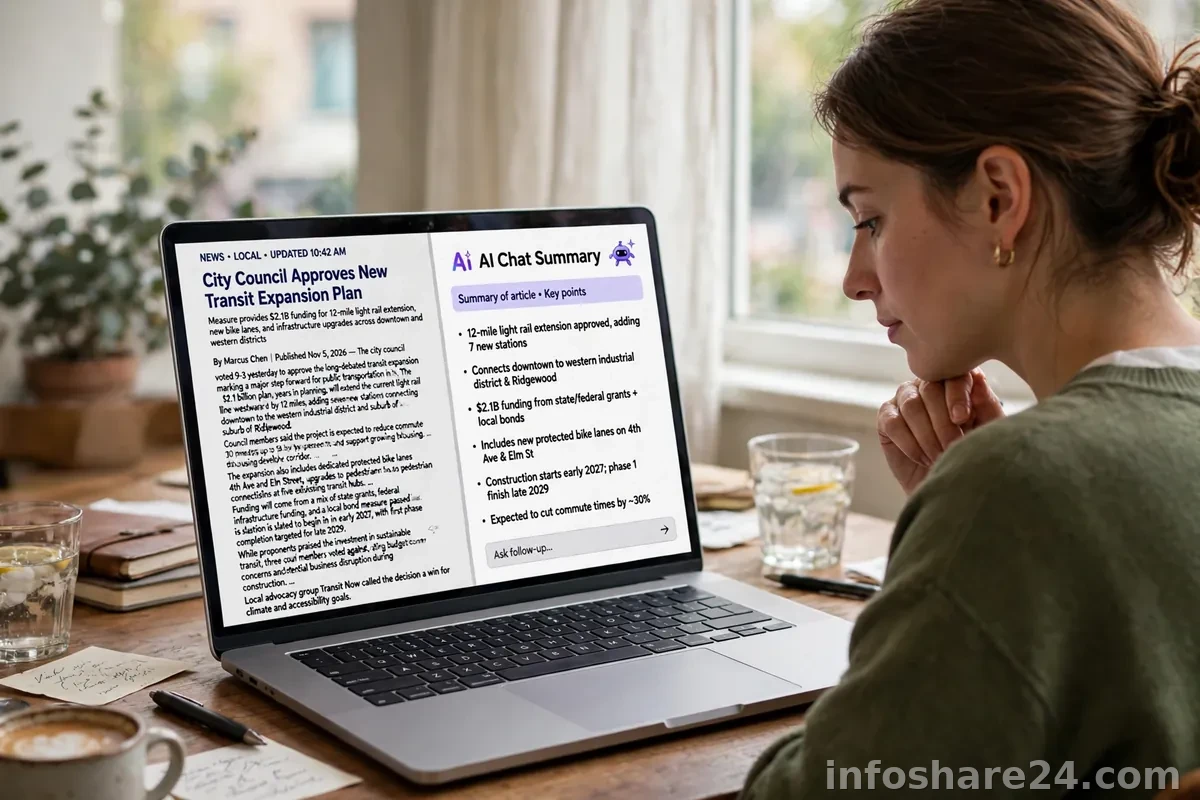
- Open the article, select the text you need, copy it, and paste it into the AI chat window.
- If the article is very long, paste it in sections — one chapter at a time — and ask for a summary of each section before combining them.
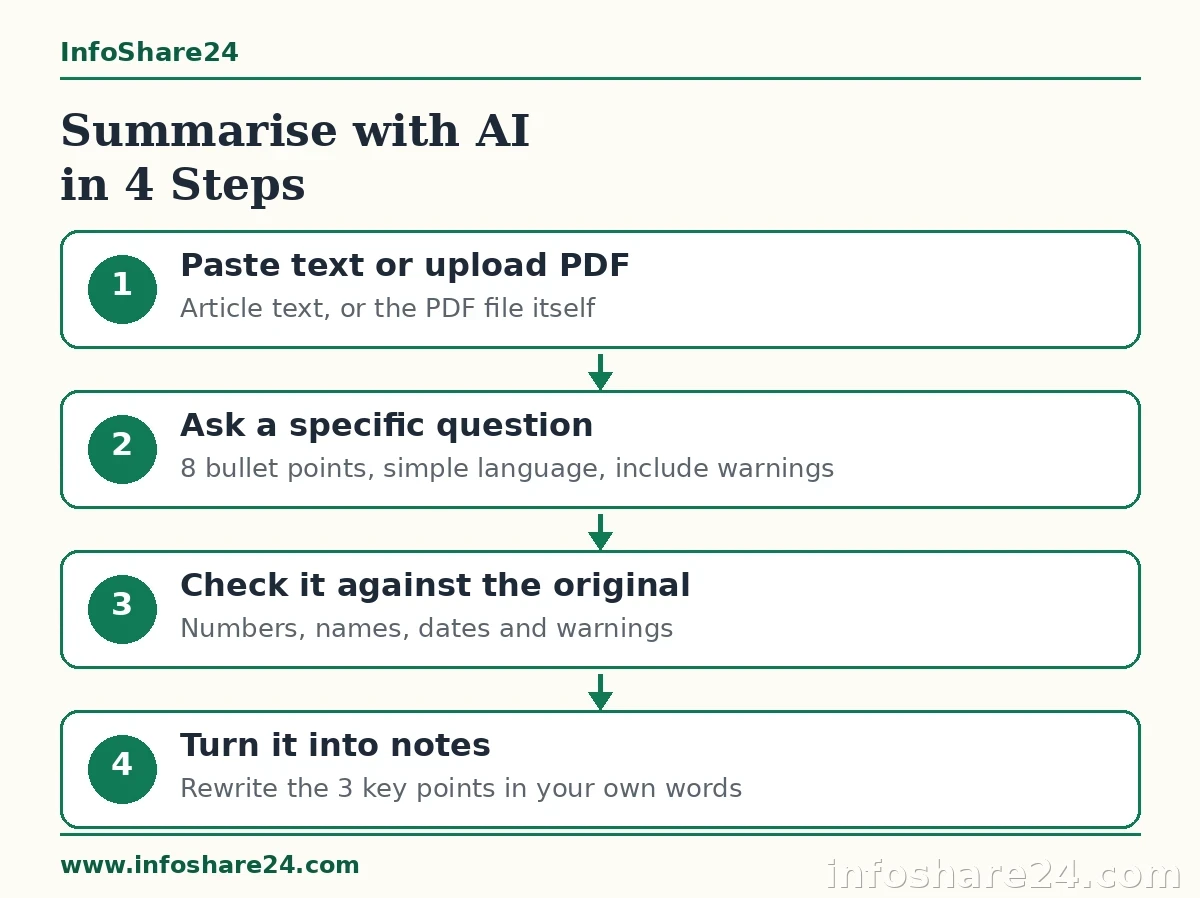
- Write a specific prompt. Your prompt matters more than the tool you choose. A vague prompt like “summarise this” gives a vague summary. Try: “Summarise this article in 8 bullet points, in simple language. Include the main argument, the most important facts, and anything the author warns about.”
Method 2: Upload a PDF
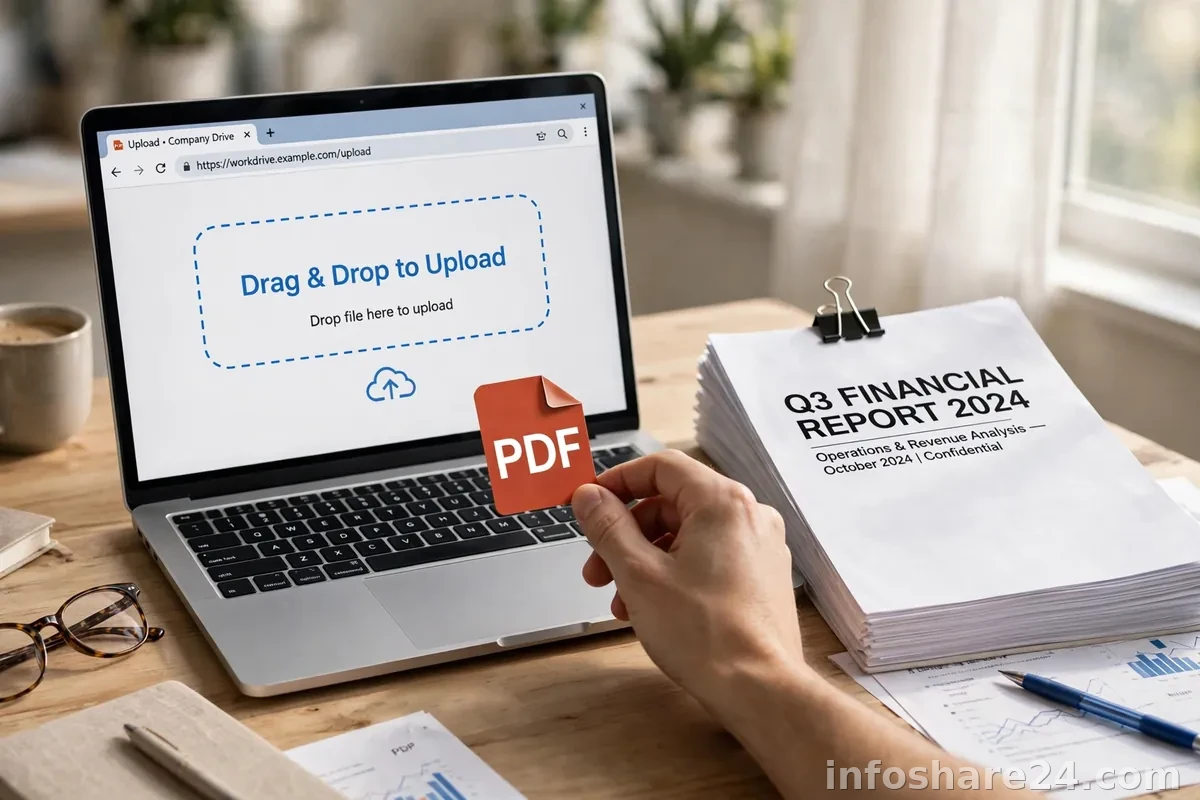
- Look for a paperclip, plus sign or “upload” button in the chat window, choose your PDF, and wait for it to load before typing your prompt.
- Prompt with page awareness: “Summarise this PDF chapter by chapter, and mention the page or section each main point comes from.” This makes checking far easier, because you can jump straight to the source of any point you doubt. For a scanned PDF, where the text is actually a picture of a page, the tool may struggle or refuse; in that case, a phone scan or a text-based version of the document works better.
How to Check a Summary Before You Trust It
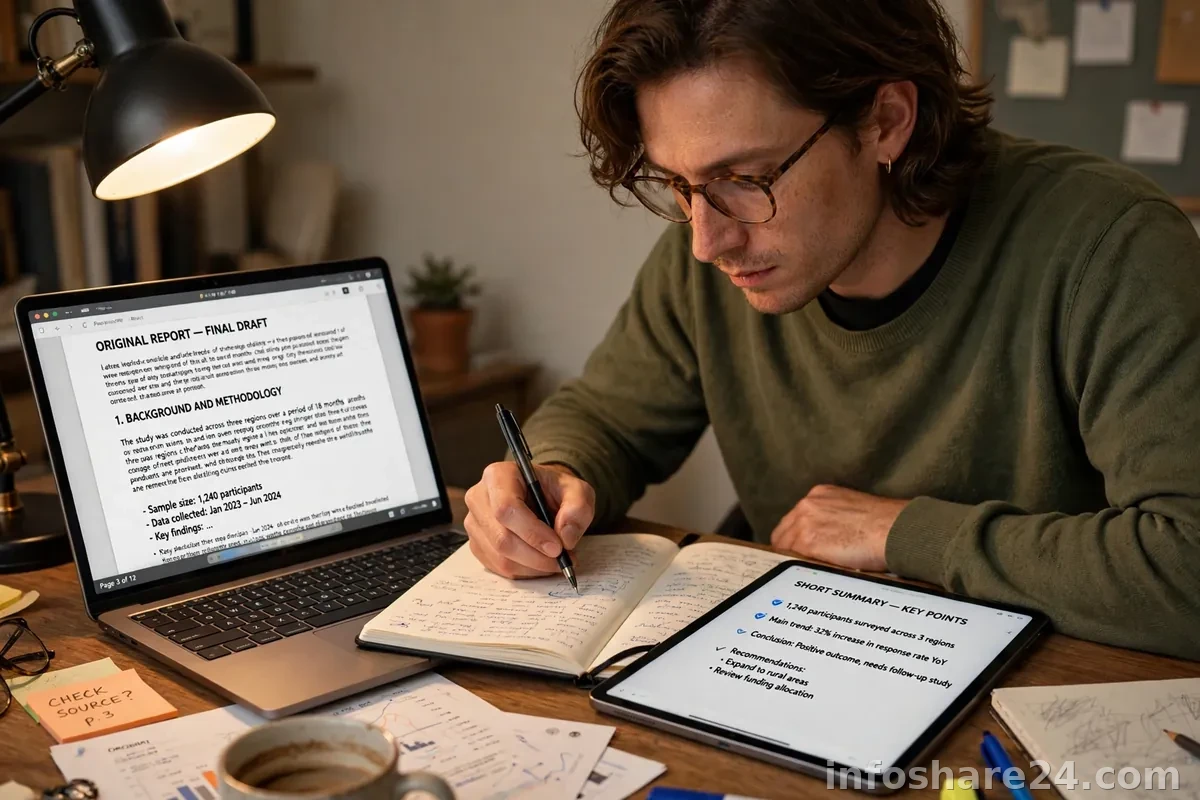
- Start with numbers, names and dates, because these are the details AI gets wrong most often. Open the original, search for each number in the summary, and confirm it matches. If a summary claims a statistic, a year or a person’s name, verify it before you repeat it anywhere.
- Check for missing warnings. Skim the original’s conclusion and any sections headed with words like “warning”, “limitation”, “risk” or “however”. AI summaries often smooth over cautions in favour of a tidy positive story, so if the original is cautious and the summary is not, trust the original.
Privacy: What Not to Paste into AI
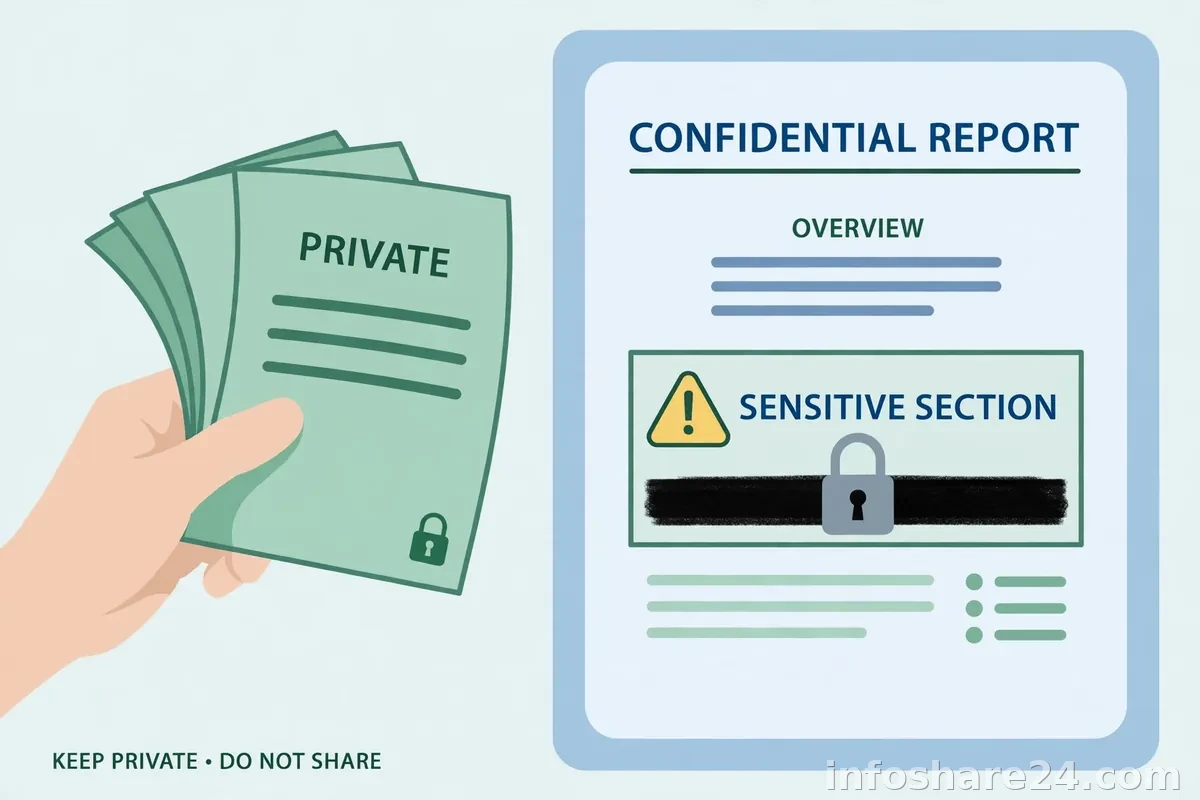
AI tools are convenient, but pasted text may be stored by the provider and, in some cases, used to improve their models. That makes some documents unsuitable for AI summarising, no matter how useful it would be.
Never paste passwords, bank details, identity numbers, medical records, private messages, or unpublished work you do not own. Never upload a document containing other people’s personal data, such as a customer list or a class register. And never paste a suspicious message you received, such as a possible scam email, into an AI tool to check it; instead, learn the warning signs yourself from How to Spot a Phishing Message in 30 Seconds.
Turn a Summary into Useful Notes
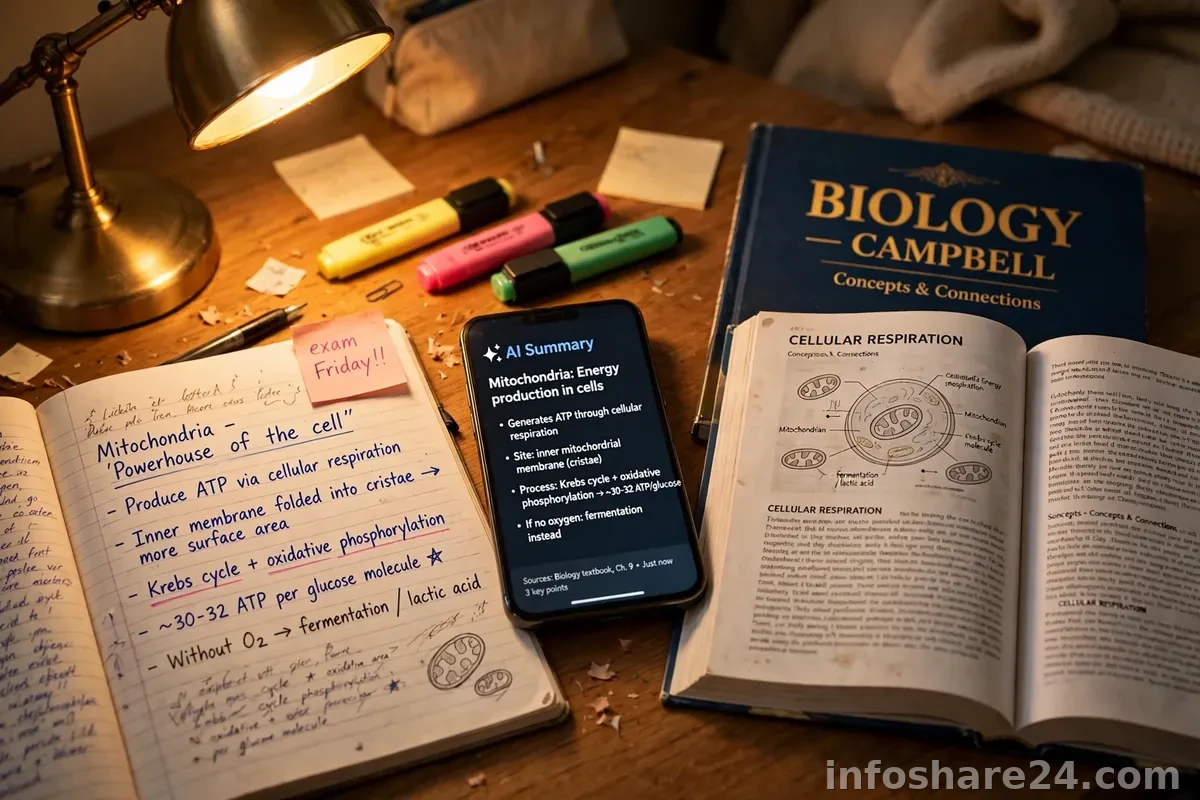
- Paste the summary into a document, add the source link and the date.
- Rewrite the three most important points in your own words. Rewriting forces understanding in a way that copying never does, and your own words are far easier to remember later.
- Turn summary points into questions (for study) or actions (for work). If the summary says a process has four stages, write “What are the four stages, and why does the order matter?” and answer it without looking. For work, turn the summary into actions: decisions needed, deadlines, and owners, each on its own line. A summary that ends as a task list is a summary that changes what you do, not just what you know.
Keep your summaries organised. One folder or notebook for AI summaries, with clear file names including the source and date, beats a scattered chat history you can never search. And protect the account holding those notes: a strong, secure email account is the foundation of all your online work, so make sure yours is set up properly with How to Create a Strong Gmail Account and Keep It Secure.
Frequently Asked Questions
Which AI tool is best for summarising?
Most major chat tools handle articles well, and several offer PDF upload. Choose one you already trust, with a privacy policy you accept, rather than chasing the newest tool. Your prompt and your checking matter more than the brand.
How long should a good summary be?
It depends on the original. A useful rule is five to ten percent of the original length: a twenty-page report becomes one to two pages, a long article becomes eight to ten bullet points. Shorter is not always better if it drops the warnings.
Is using an AI summary cheating for study?
Using it to understand a text is a study aid, like reading a textbook summary. Submitting AI output as your own work, or skipping the reading entirely for assessed material, is where it becomes a problem. Check your institution’s rules.
Conclusion
AI summarising is a powerful reading shortcut when you use it with care. Paste text or upload the PDF, ask a specific question, and you get a fast overview of even the longest document. The essential second half is checking: verify numbers, names and warnings against the original, and never paste private or sensitive material into an AI tool.
Start today with one article you have been putting off. Summarise it, check three facts, and turn the result into notes in your own words. You will finish the reading in a fraction of the time, and, because you checked and rewrote, you will actually remember it.