

A new Windows computer, or a freshly cleaned old one, always raises the same question: what should I install first? The good news is that you do not need to spend money to cover the basics. In 2026, the best free software for Windows handles browsing, office work, media, security and file management very well, and most of it is easy enough for a complete beginner.
This guide is a practical list, not a list of everything available. It covers one or two trusted options in each area, explains what is genuinely free and what is a paid extra, and shows how to download safely. Install only what you need. A computer with ten useful programs runs better than a computer with fifty programs you never open.
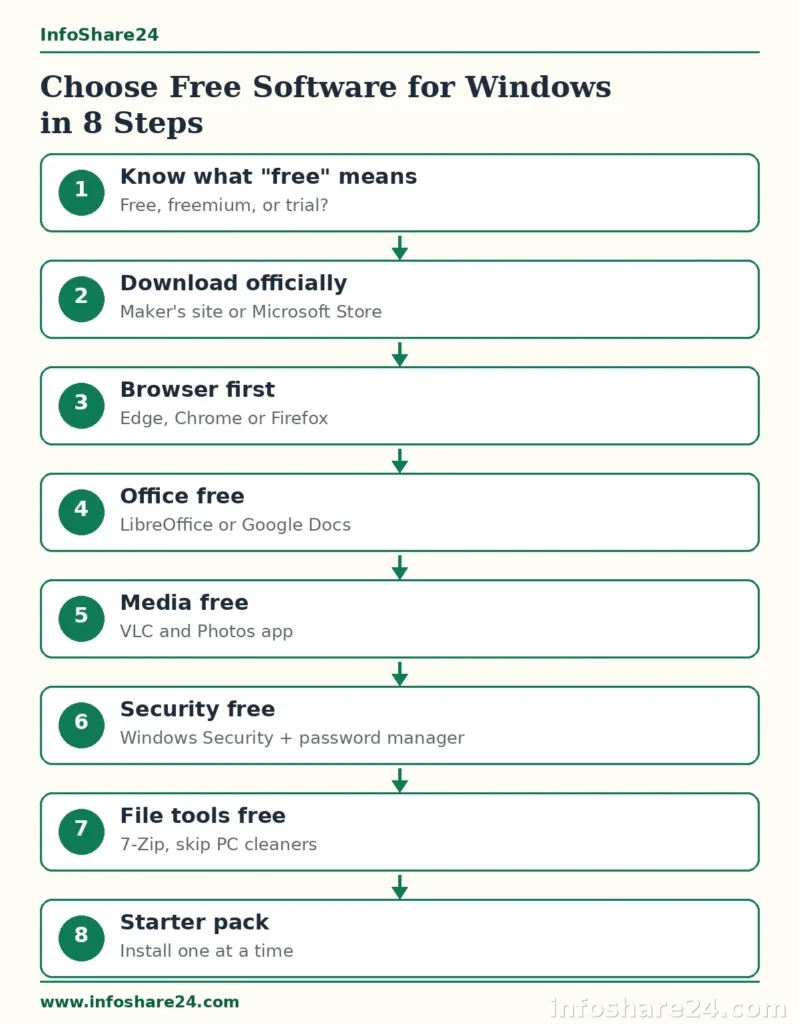
What “Free” Really Means
- Fully free software costs nothing for its main features, although it may ask for an optional donation.
- Freemium software is free for basic use, but charges for extra features, extra storage or an ad-free version.
- A free trial is not free software at all: it stops working, or loses features, after a set number of days.
Download Only From Official Sources
- Always use the official website of the maker, or the Microsoft Store.
- Avoid download sites that bundle extra toolbars, change your search engine or add programs you did not ask for.
- If a site offers a “cracked” or “free full version” of paid software, stay away: those downloads are illegal, and they are one of the most common ways computers pick up malware.
A Fast, Safe Browser Comes First
- Microsoft Edge comes with Windows and is a solid, fast choice in 2026, with good security features built in.
- Google Chrome is another popular free browser, known for its huge range of extensions.
- Mozilla Firefox is a strong free alternative if you prefer an independent browser with strong privacy controls.
Free Office Software: Write, Calculate and Present
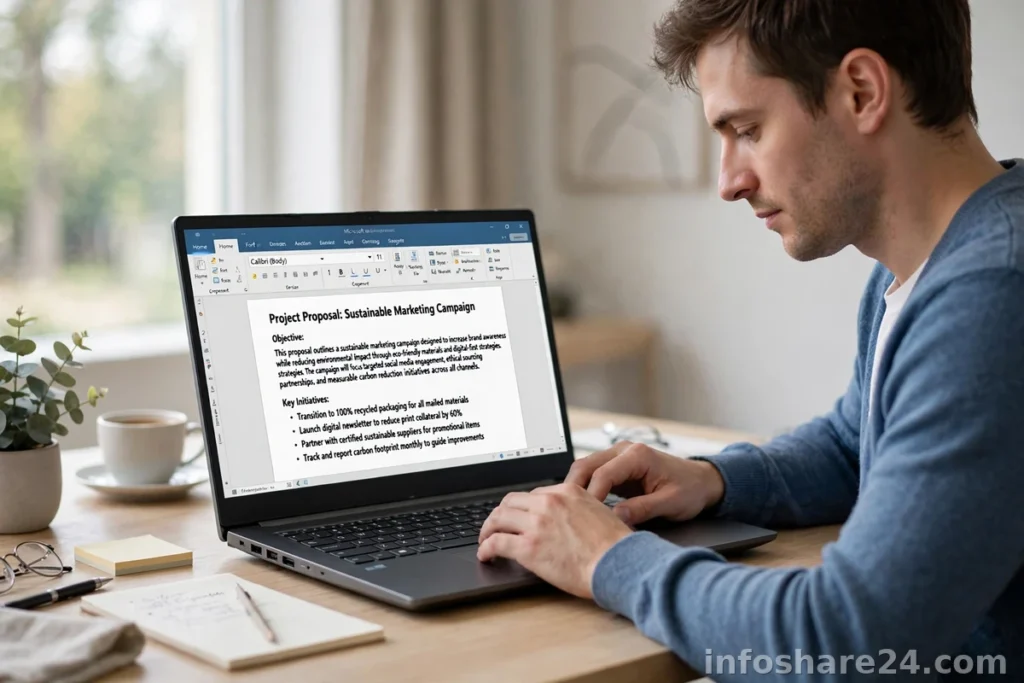
- You do not need to buy an office suite to write documents, build spreadsheets or make presentations. LibreOffice is a well-known, completely free office suite for Windows.
- It includes a word processor, a spreadsheet program and a presentation tool, and it can open and save files in common formats such as Word and Excel files, so sharing documents with others is usually easy.
- Google Docs, Sheets and Slides are another free option that work in your browser and save your work online automatically. They are a good choice if you move between a computer and a phone, or if you often share documents. The trade-off is that you need an internet connection for the full experience, and your files live in your Google account.
Free Media Players and Photo Tools
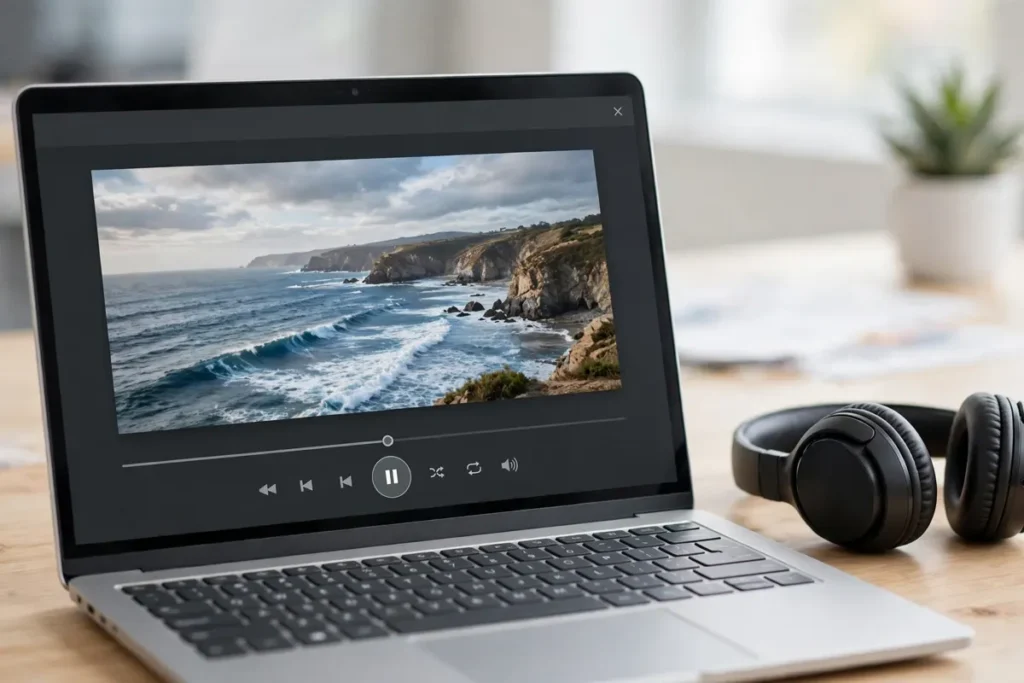
- Windows already plays most music and video, but a good free media player can handle more file types and give you better controls. VLC Media Player is a famous free, open-source player that plays almost any video or audio file, works with subtitles, and has no ads.
- For photos, the built-in Windows Photos app covers viewing, cropping and basic fixes for most people.
- If you want more, free tools such as Paint.NET offer simple photo editing, layers and effects without the complexity of professional software. Start with the simple tool. A complicated editor often slows beginners down rather than helping them.
Free Security: Stay Safe Without Paying
- Windows Security, built into Windows, already includes antivirus protection, a firewall and protection against ransomware, and it updates automatically. For most home users who browse sensibly, it is a solid baseline, and you do not need to install a second antivirus on top of it. Running two antivirus programs at once can slow your computer and cause conflicts.
- A free password manager is also worth installing. It creates and remembers strong, different passwords for each site, so you only need to remember one master password. Many good password managers offer a free plan for basic use, with paid plans adding family sharing or extra devices. For a fuller walkthrough of the settings that matter most, see our guide to Windows security settings every user should check first.
- Finally, keep Windows itself updated. Updates often feel inconvenient, but they close security holes that attackers actively use.
Free File Tools and Backups
- 7-Zip is a free, open-source tool for opening compressed files such as ZIP files and for compressing large files before you email or upload them. It is light, fast and has no ads, which is why it has stayed popular for years.
- For cleaning up, the built-in Windows tools are usually enough. Storage Sense can remove temporary files automatically, and Disk Cleanup helps when space runs low.
- Be cautious with third-party “PC cleaner” programs that promise huge speed boosts: many do little, some install unwanted extras, and aggressive cleaning can occasionally remove something useful. If your computer feels slow, work through a proper step-by-step guide first, such as our guide to speeding up a slow Windows PC, before installing any cleaner.
A Simple Starter Pack, and Mistakes to Avoid
- If you are setting up a computer today, this short starter pack covers almost everything, and all of it is free: one browser (Edge, Chrome or Firefox); one office suite (LibreOffice, or Google Docs in the browser); one media player (VLC); Windows Security, kept updated, plus a free password manager; and 7-Zip for compressed files. Install them one at a time, from their official websites.
- The most common mistake is installing too much. Every extra program can add startup items, notifications and background updates. If you have not opened a program in three months, consider uninstalling it. You can always install it again later.
- The second mistake is ignoring updates. Free software stays safe and fast because it is updated, so turn on automatic updates where offered, and do not ignore update prompts for your browser, office suite and Windows itself for weeks at a time.
Frequently Asked Questions
Is free software safe? Well-known free software from official sources is generally safe, especially open-source tools such as VLC, LibreOffice and 7-Zip, whose code can be inspected by others. The risk comes from unofficial download sites, fake copies and “cracked” versions. Always download from the official website or the Microsoft Store.
Do I need a paid antivirus as well as Windows Security? For typical home use, no. Windows Security provides antivirus, firewall and ransomware protection. A paid antivirus can add extras such as a VPN or identity monitoring, but it is not required for basic safety. Sensible browsing and regular updates matter more.
Can free office software open Microsoft Word and Excel files? Yes, in most cases. LibreOffice and Google Docs can open common Word, Excel and PowerPoint formats, and save back in those formats. Very complex formatting may look slightly different, so always check an important document before sending it.
Conclusion
The best free software for Windows in 2026 is not about collecting the most programs, but about choosing a small, trusted set and keeping it updated. Start with a good browser, a free office suite, VLC for media, Windows Security plus a password manager, and 7-Zip for files. Download only from official sources, skip cracked versions entirely, and uninstall anything you do not use.

[…] If you want to practise with a free spreadsheet app before buying Excel, there are good free options listed here: Best free software for Windows in 2026: a practical list. […]