
You may never know your email or password has been leaked — until someone tries to log in as you. A leak does not mean your computer has a virus, or that you did something wrong. It usually means a website or app you used was hacked, and the details you gave that site were copied and shared or sold online.
Checking takes less than a minute, and it is free. This guide explains what a data leak is, how to check your email safely with Have I Been Pwned, and what to do if your details appear in a breach.
What Is a Data Leak?
When you create an account on a website or app, the company stores your email address and password on its computers. A data leak — also called a data breach — happens when criminals break into those computers and copy that stored information. The stolen details are often shared or sold on the internet, where other criminals can use them to try to log in to your accounts.
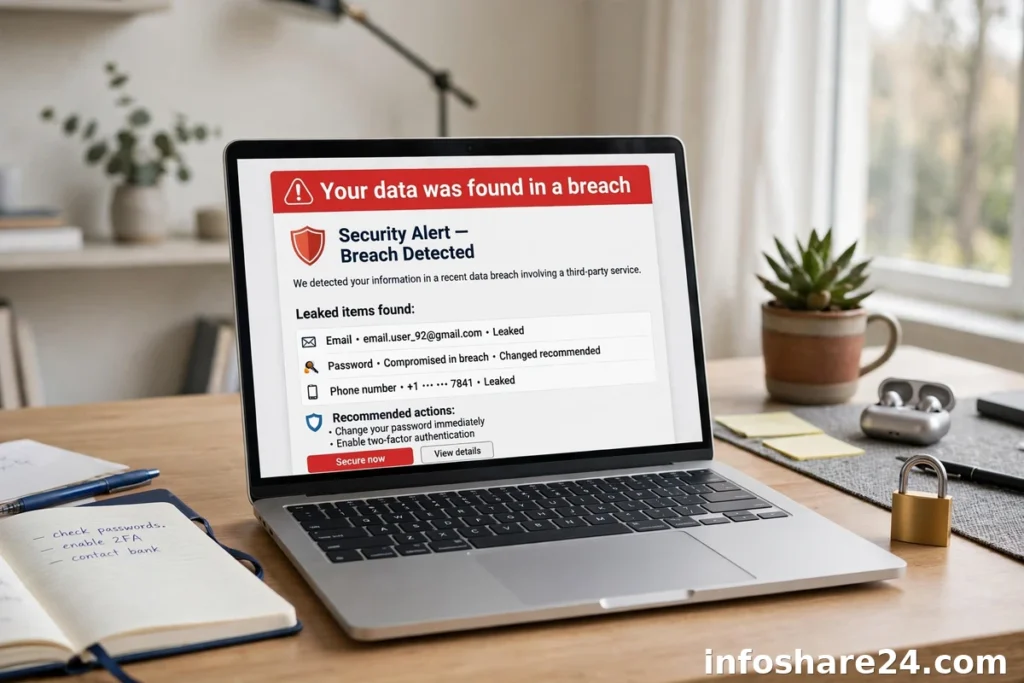
Your email and password can be leaked even if you did nothing wrong. You do not have to click a bad link or download anything dangerous. If a shop, a social media site, or a game you signed up for years ago is hacked, your details can end up in the stolen data.
A leaked email alone is mostly a nuisance — you may get more spam. A leaked password is far more serious, especially if you reused it on other sites. Criminals will try that same password on your email, your bank, and your social media accounts.
How to Check Your Email Safely
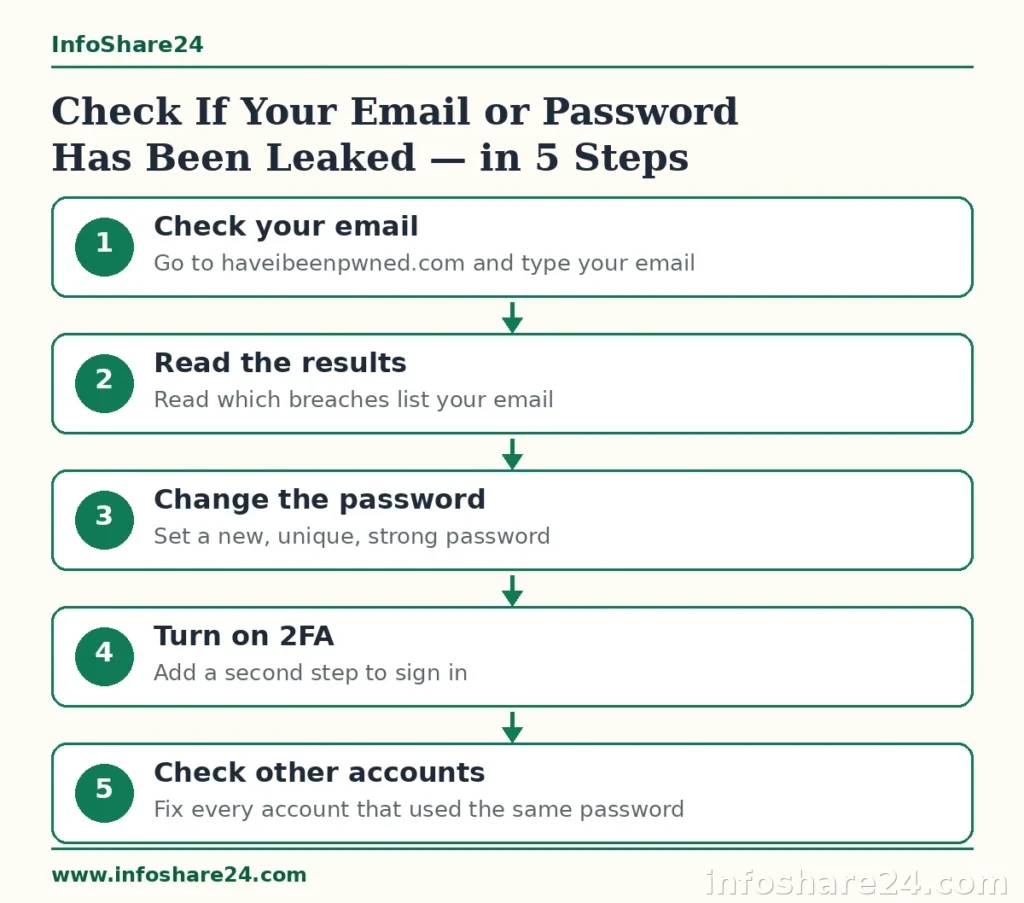
The safest way to check is Have I Been Pwned (haveibeenpwned.com), a free service run by security researcher Troy Hunt. Type in your email address, and it tells you whether that email appears in any known data breach. It asks for your email only — never your password.
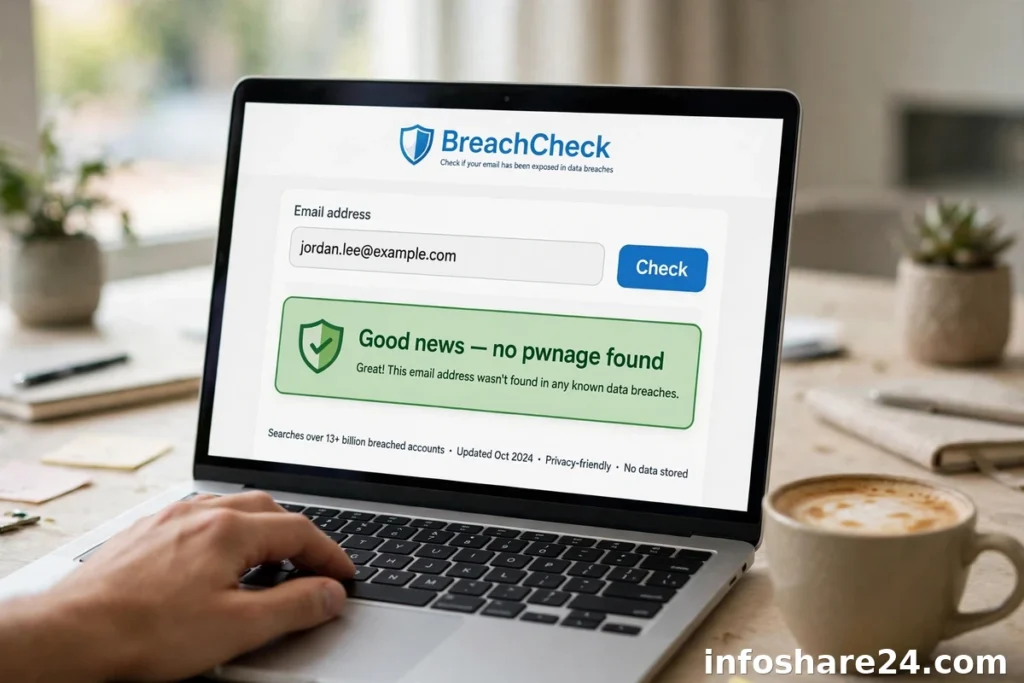
- Go to haveibeenpwned.com in your browser. Type the address yourself, or search for “Have I Been Pwned” and open the official site. Never open a breach-check link from a random email or message — scammers send fake checkers that steal what you type. For help spotting them, see: How to Spot a Phishing Message in 30 Seconds.
- Type your email address in the search box and press the check button. Only your email goes in — never your password.
- Read the result. “Good news — no pwnage found” means your email has not appeared in any breach the service knows about. If it lists breaches, your email was in the stolen data, and the result shows which sites were involved and what was taken.
- Check your other email addresses too. A leak in an old address is just as important.
- Repeat the check every few months. New breaches are discovered all the time, so a clean result today does not mean you will always be safe.
What about checking a password? Have I Been Pwned also has Pwned Passwords, which uses a privacy method called k-anonymity: only a small part of your password’s code is sent, so your full password is never shared. Still, never type your password into a random checking site — only the official Pwned Passwords page.
What to Do If Your Email Has Been Leaked
If your email appears in a breach, do not panic — act in order.
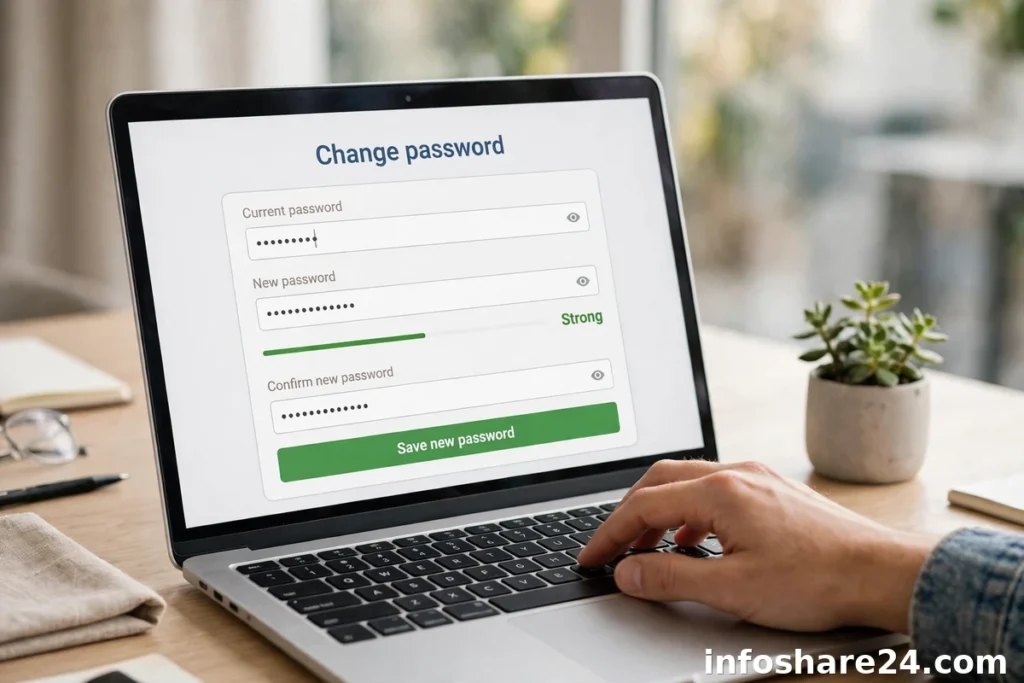
- Change the password on the leaked account first. Go to the website or app named in the breach result, sign in, and set a new password. If you cannot sign in, use the “Forgot password” link.
- Make the new password long, unique, and hard to guess. Use at least 12 characters, with letters, numbers, and symbols — and never reuse a password from another account. For a method that is easy to remember, see: How to Create a Strong Password You Can Actually Remember.
- Change the same password everywhere else you used it. This is the step most people skip. A leaked password is only dangerous if it still works somewhere.
- Turn on two-factor authentication on your important accounts. This adds a second step when you sign in, so a stolen password alone is not enough.
- Watch for phishing messages. After a leak, criminals know your email address, so they may send fake messages that look like they come from your bank. Never click a link in a message that pressures you to sign in. For the warning signs, see: How to Spot and Avoid OTP Scams.
Turn On Two-Factor Authentication
Two-factor authentication — often called 2FA — means you need two things to sign in: your password, plus a code from your phone or an authenticator app. Even if someone knows your password, they cannot get in without that code.
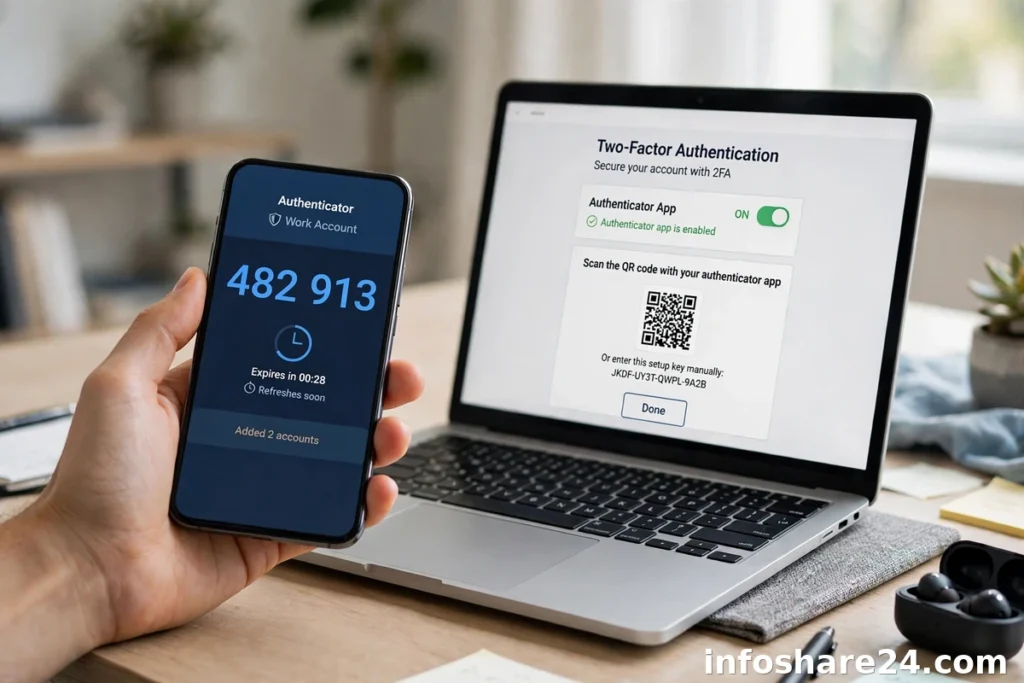
- Open the security settings of the account. Look for “Security”, “Two-factor authentication”, or “2-Step Verification” in the settings of your email, bank, or social media account.
- Choose an authenticator app if you can. Apps such as Google Authenticator give you a code that changes every 30 seconds — safer than codes sent by text message.
- Save the backup codes the site gives you. Write them on paper and keep them somewhere safe. If you lose your phone, these codes are the only way back in.
- Turn it on for email first, then your bank, then everything else. Your email matters most, because a criminal who controls it can reset your other passwords.
For a full step-by-step guide, see: What Is Two-Factor Authentication and How to Turn It On.
Protect Yourself Going Forward
Checking once is good. Staying safe is better. A few simple habits will protect you from most future leaks.
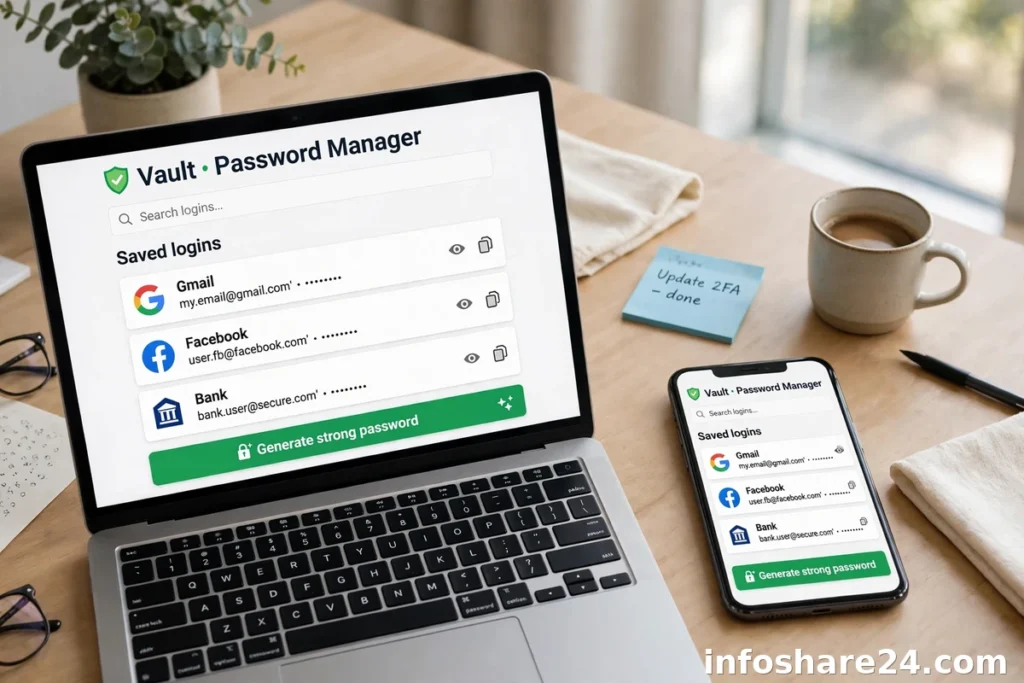
- Use a different password for every account. If one site is breached, the stolen password will not open your other accounts. A password manager remembers them all for you.
- Let a password manager create strong passwords. It can generate long, random passwords and fill them in when you sign in. Free options are built into most browsers.
- Turn on two-factor authentication everywhere it is offered. It takes a minute to set up and stops most account takeovers, even when a password is leaked.
- Be careful with links and messages. Many attacks start with a phishing message that tricks you into giving away your password.
- Check your email again every few months. A quick check costs a minute and can catch a problem early.
Frequently Asked Questions
Is Have I Been Pwned safe to use?
Yes. It is a free service run by security researcher Troy Hunt, used by security professionals and companies. It only asks for your email address, never your password.
What if my password has been leaked but my email has not?
Change that password right away, everywhere you used it. Then turn on two-factor authentication. A leaked password is a risk even if your email address was not in the same breach.
Should I pay for a service that checks my data?
No — a free check with Have I Been Pwned is enough for most people. Be careful of paid services that promise to “remove” your data; no service can remove data that has already been copied and shared.
Conclusion
A data leak is common, and it is usually not your fault. What matters is what you do next: check your email, change any leaked password, turn on two-factor authentication, and stop reusing passwords. Those four steps take less than an hour.
Check your main email address today at haveibeenpwned.com — and your old addresses too. If everything is clean, turn on two-factor authentication on your email anyway.