
You get a message: “Your account will be closed. Verify now.” The link looks real, the logo looks real. That is exactly the moment to slow down and check if a link is safe before you click it — one click is all a phishing page needs.
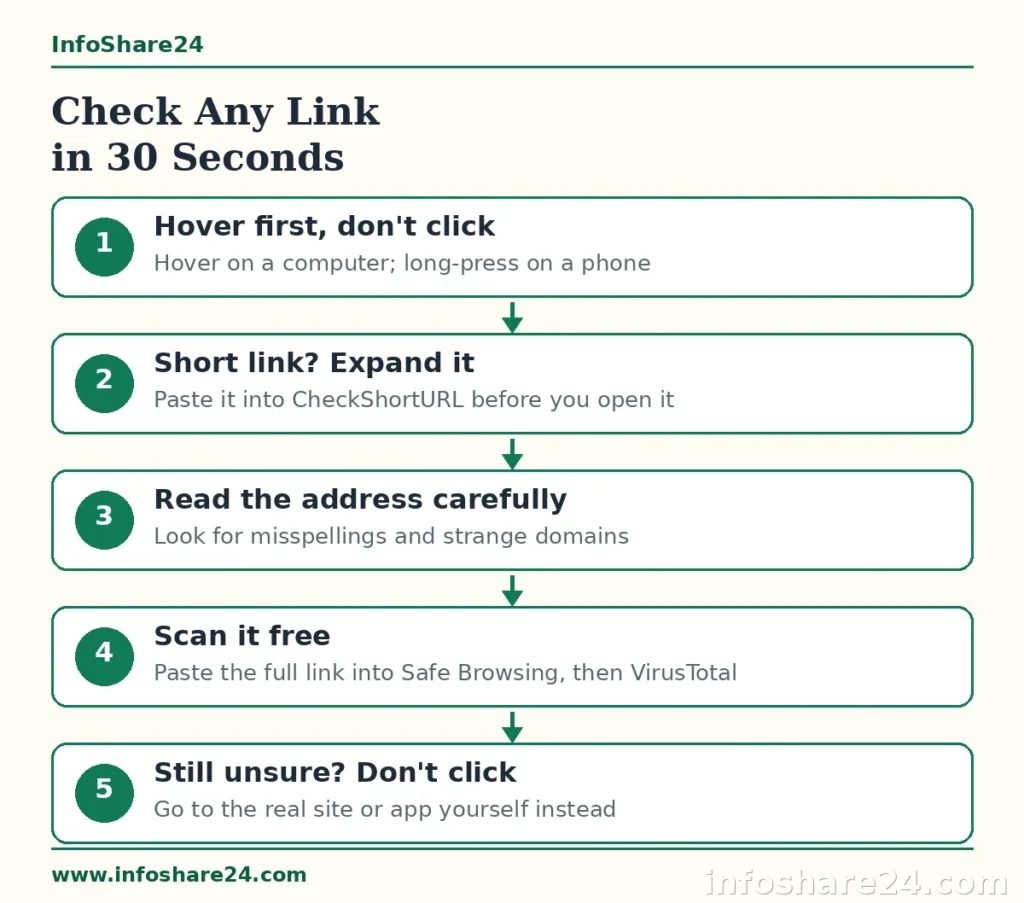
An estimated 3.4 billion spam emails are sent every day, and the Anti-Phishing Working Group counted 1,130,393 phishing attacks in the second quarter of 2025 alone — the most in two years. Verizon’s 2024 report found the median time to click a phishing link is just 21 seconds. You need a 30-second habit: hover to preview, expand short links, read the address, and scan it free.
How to Check If a Link Is Safe in 30 Seconds
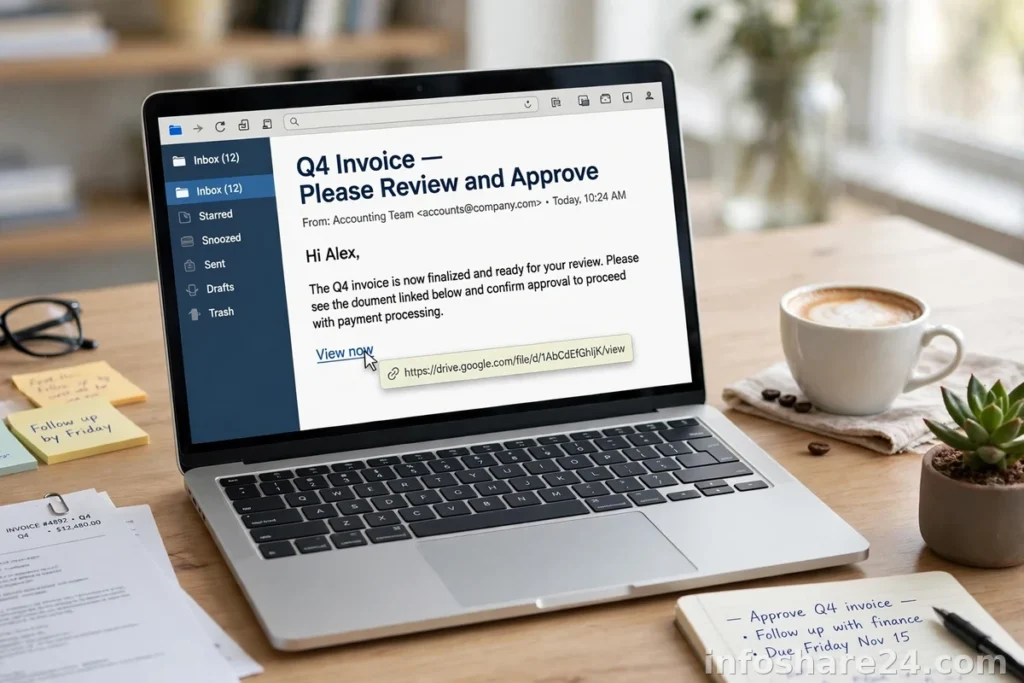
Use it for every unexpected link — in email, SMS, WhatsApp, Facebook, or a comment.
- Hover before you click. On a computer, rest your mouse on the link and the real destination appears in the bottom corner. On a phone, press and hold it. Never trust the blue text — it can say anything.
- Read the real address, not the button. Look at the domain, between “https://” and the next slash. A real bank link uses the bank’s own domain; a fake one uses a lookalike such as “mybank-login.example.com”.
- Watch for small misspellings. Scammers buy domains one letter off the real brand — “arnazon” for “amazon”, “paypa1” for “paypal”. Read it letter by letter when money or a password is involved.
- Ask who sent it and why. Did you expect this message? A delivery you never ordered or a “prize” you never entered are reasons to stop. Urgency is a trick to make you skip the checks.
- Scan the link if anything feels off. Paste the full address into a free scanner first — see below.
- When in doubt, go there yourself. Open the real app, or type the real address into your browser. A real notice will be waiting inside your account.
Also read How to Spot a Phishing Message in 30 Seconds.
How to Check a Short Link Before You Click It
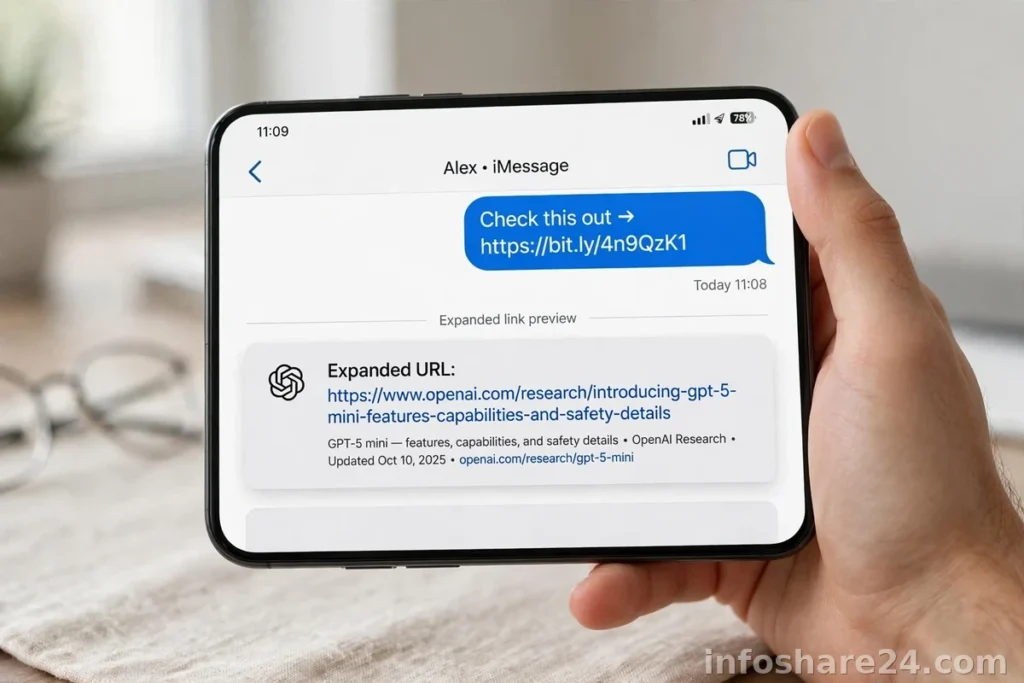
Short links such as bit.ly hide the real destination — handy for friends, but also how scammers hide a fake login page. Never click one blind.
- Expand it with a free tool. Go to checkshorturl.com, paste the short link, and click Expand to see the full address without opening the page.
- Read the expanded address. Is it the real brand’s domain or a lookalike? If it points somewhere unexpected, delete the message.
- Check the preview on your phone. Long-pressing a short link in WhatsApp or Messages usually shows a preview card with the real site name. Strange domain? Do not tap it.
- Be extra careful with QR codes. A QR code is a short link you cannot read. Scan one from a random email with your camera preview first — it shows the address before you open it.
Short links are not evil. The rule is simple: expand first, then decide.
Scan the Link Free: VirusTotal and Google Safe Browsing
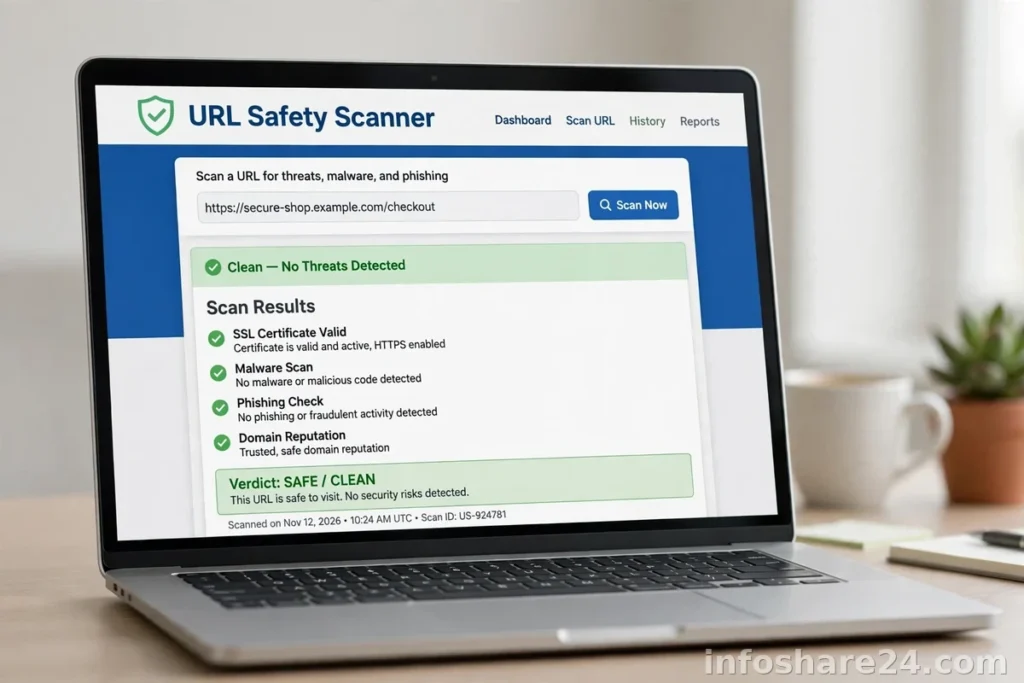
If a link passes the eye test but you still feel unsure, let a scanner check it against databases of known phishing and malware sites — free, no account, under a minute.
- Start with Google Safe Browsing. Go to transparencyreport.google.com/safe-browsing/search, paste the link, and press Enter. If Google says the site is dangerous, stop.
- Get a second opinion from VirusTotal. On virustotal.com, paste the same link in the URL tab. It checks the address with more than 70 antivirus engines at once.
- Read the result like this. Several well-known engines flagging it means dangerous. One unknown engine flagging it can be a false alarm.
- Remember what a clean scan cannot do. Scanners only know reported sites. A phishing page made an hour ago may not be listed yet, so a clean scan is reassuring, not proof.
Never paste a private link into a public scanner — a password-reset token in the link could let anyone who finds the result open it.
The Padlock Does Not Mean the Site Is Safe
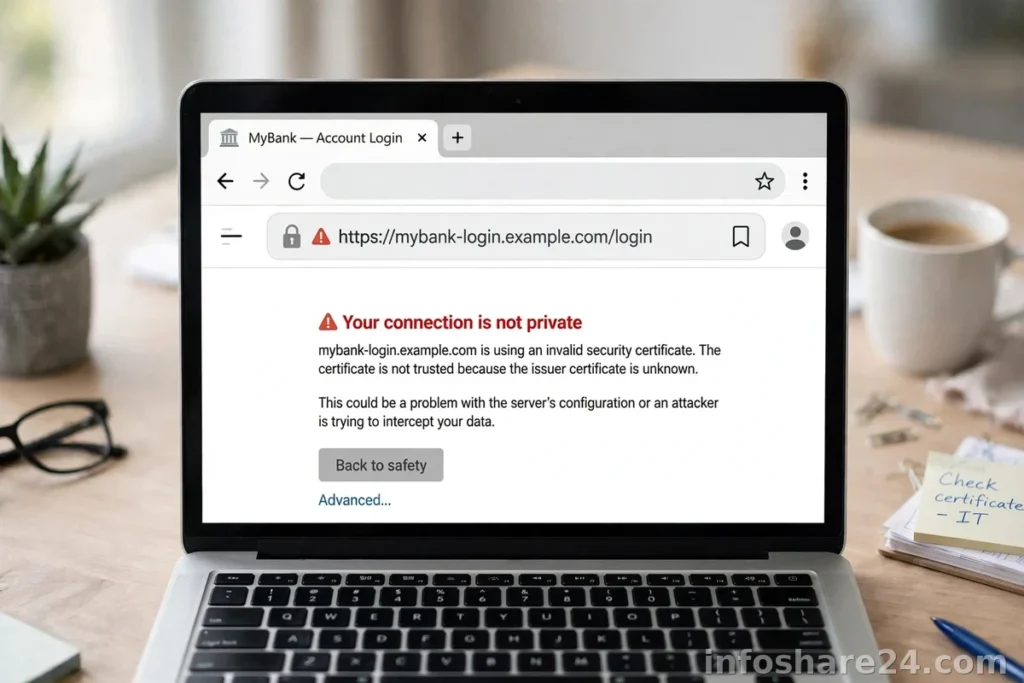
You see the padlock icon next to the address and think the site is safe. It is not. The US Federal Trade Commission (FTC) says it plainly: the “s” in https means the connection is encrypted, but it does not mean the site is legitimate — scammers encrypt their sites too.
A padlock only means data between your browser and the site is scrambled. It says nothing about who runs the site: a fake bank page can have a perfect padlock, and your password would travel safely straight to the thief.
Use the padlock the right way round: no padlock and a “Not secure” warning means never type a password there. But a padlock alone proves nothing.
Red Flags That Mean Stop
If you see any of these, do not click:
- The domain is misspelled or ends in a suffix you do not recognise.
- The message creates panic: your account will close, or you have won money.
- The sender uses a free Gmail or Yahoo account to pose as a big company.
- The link asks for a login, a payment, or a one-time code you did not request — see How to Spot and Avoid OTP Scams.
- The offer is far too good: a free phone, a job with no interview, or a lottery you never entered — see How to Recognise Fake Job Offers and Lottery Scams Online.
- The link came through a shortened URL from a stranger, with no explanation of where it goes.
One red flag is enough. Close the message and go to the real site yourself.
What to Do If You Already Clicked
It happens to everyone. Do not panic — act fast.
- Close the page and do not type anything. If you entered nothing, you are probably fine. Just close the tab.
- Change your password right away. If you typed a password, change it on the real site at once — and anywhere else you used it.
- Turn on two-factor authentication. A stolen password alone is then not enough to get in.
- Check your accounts. Look for strange logins or purchases. If money is involved, call your bank at once.
- Check whether your email or password has leaked. Our guide shows how: How to Check If Your Email or Password Has Been Leaked. Clicked on public Wi-Fi? Also read How to Stay Safe on Public Wi-Fi: A Simple Guide for Cafes, Airports and Hotels.
Then report it: in Gmail click Report phishing; in WhatsApp, report and block the number.
Frequently Asked Questions
Is VirusTotal free?
Yes — checking a URL on virustotal.com is free and needs no account.
Can a link be dangerous if VirusTotal says it is clean?
Yes. A brand-new phishing page may not be listed yet, so a clean scan is not proof.
Does https mean a website is safe?
No. Https only means the connection is encrypted, and scammers encrypt their sites too.
What is the safest way to open a link from a bank?
Do not use the link. Open your bank’s app, or type its address into your browser yourself.
Conclusion
To check if a link is safe, remember the 30-second habit: hover to preview the address, expand short links first, read the domain letter by letter, and scan free with Safe Browsing and VirusTotal. Never let a padlock decide for you — it only means the connection is encrypted, not that the site is honest.
Most dangerous links fail one of these checks in seconds. Make the habit automatic.