
Being locked out of Gmail is stressful. Your email holds your photos, bank alerts and the password resets for almost every other account you own — and suddenly the door will not open. The good news is that most people can get back in. This guide walks you through Google’s official recovery process, explains what to do with no recovery phone or email, and shows you how to spot the recovery scams aimed at people in exactly this situation.
Start With Google’s Official Recovery Page
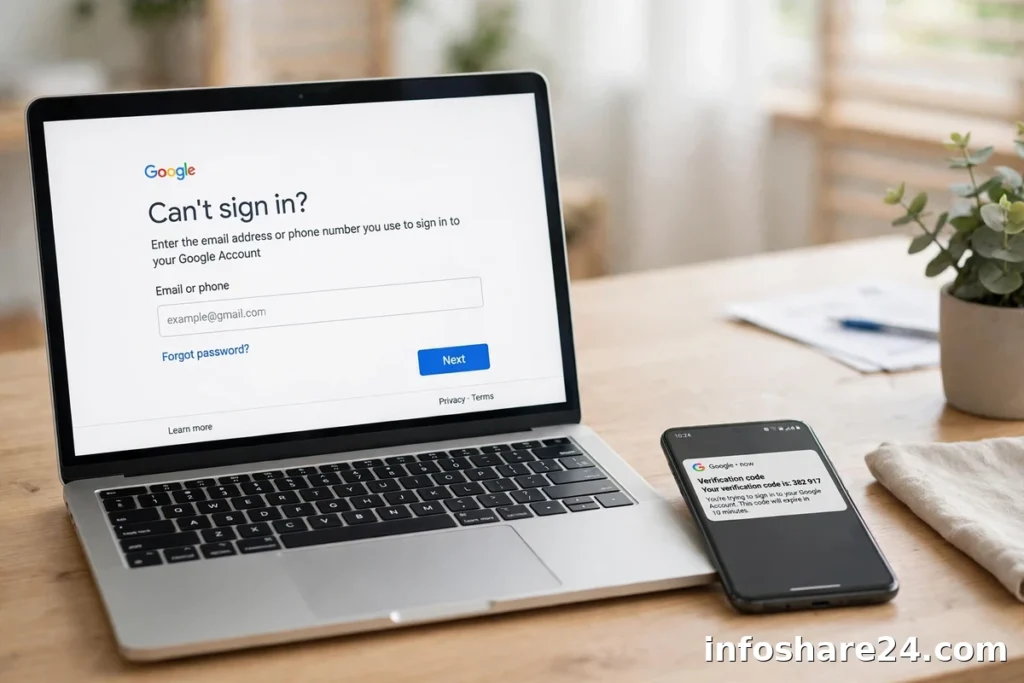
There is only one real starting point: Google’s own Account Recovery page. Do not start from a search result that promises to recover your account, a phone number on another website, or a link in a text message.
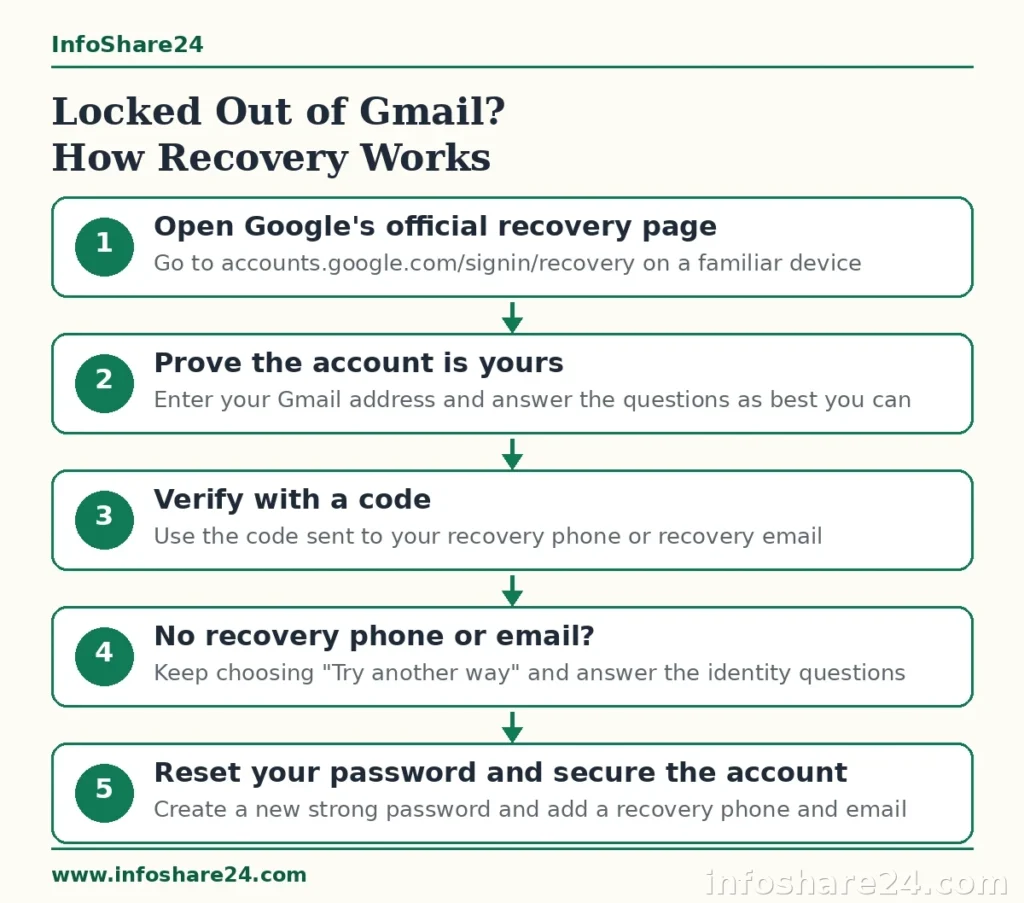
- Go to accounts.google.com/signin/recovery. Type the address yourself and check the address bar really shows google.com. Never enter your password or a verification code elsewhere.
- Enter your Gmail address and click Next.
- Answer the questions as best you can. Google asks questions to confirm the account is yours, such as a previous password you remember. A wrong guess will not kick you out, and Google says there is no limit on attempts.
- Use the verification code Google sends you. Enter the code sent to your recovery phone or recovery email, and check the spam folder if it does not arrive.
- Reset your password when asked. Choose a password you have never used on this account. For help picking one you will remember, see How to Create a Strong Password You Can Actually Remember.
Use a device, browser and location you have used with the account before — Google’s recovery tips recommend a familiar device, because Google recognises it.
If You Are Locked Out of Gmail With No Recovery Phone or Email
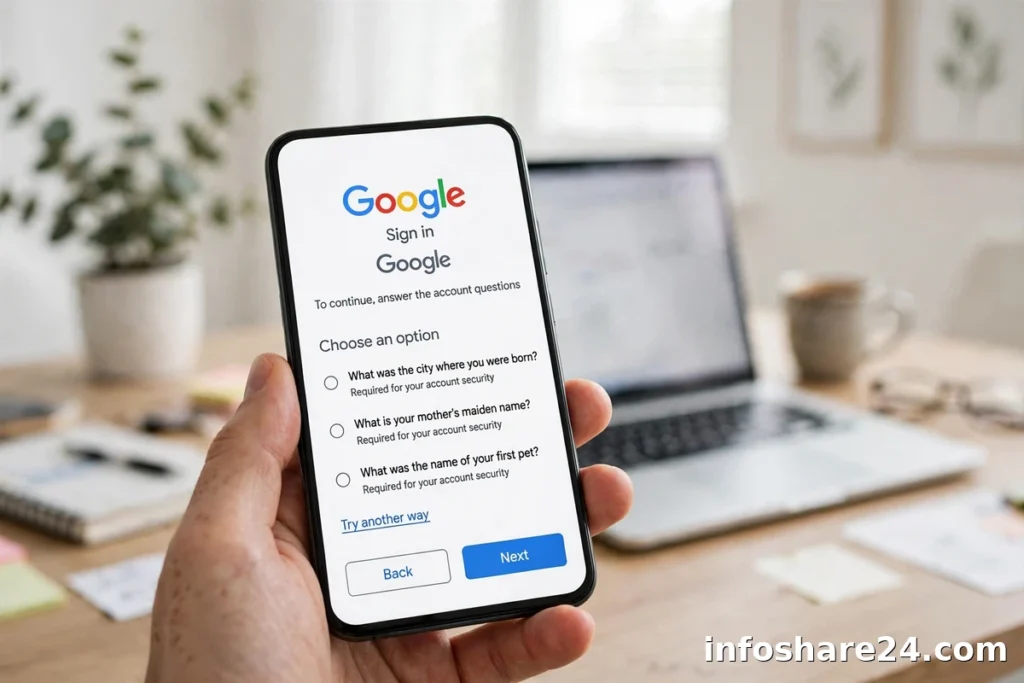
This is the hardest situation, and the most common — maybe you changed your number, never added a recovery email, or lost access to both. You still have a path, but it is slower and less certain.
- Start the same recovery form at accounts.google.com/signin/recovery.
- Keep choosing “Try another way.” When Google asks for a code you cannot reach, keep going — Google will move you to questions about the account instead.
- Answer the identity questions honestly. Best guesses beat blank answers.
- Try from a device that is still signed in, such as another phone or a mail app — you can add new recovery details from inside the account.
- Wait if you recently changed your recovery details. Changes to recovery information can take up to 7 days to take effect, so a new number or email may not work yet.
If your account uses 2-Step Verification and you have lost your second step too, Google says verification can take 3 to 5 business days. Be patient, and never pay anyone who promises to speed it up. But if you never added a recovery phone or email and cannot answer the identity questions, recovery may simply not be possible — Google says the process is fully automated.
If You Forgot the Gmail Address Itself
You cannot start password recovery without the address. Google has a separate page for that: accounts.google.com/signin/usernamerecovery. Enter your recovery phone number or recovery email and the full name on the account — Google will show a list of usernames that match. If you have neither a recovery phone nor a recovery email tied to the account, this will not work. Check old emails, a password manager, or an old phone.
If Someone Else Changed Your Password
If you can still sign in, change your password at once and check your recovery details — a hacker often changes them first. If you cannot sign in, use the recovery page and choose the option that says your account may have been hacked. Once back in, go to myaccount.google.com, review recent security activity, and sign out any device you do not recognise. Also check whether your password appeared in a known data breach: How to Check If Your Email or Password Has Been Leaked. A deleted account can only be recovered if you act soon after deleting it.
If Google Says It Can’t Verify It’s You
You may see “Google couldn’t verify this account belongs to you.” Do not panic, and do not pay anyone. Wrong guesses do not lock you out, and there is no limit on attempts. Wait a few days — a week is a good gap, especially if you recently changed recovery details — then try again from the familiar device, same browser, same home Wi-Fi. If it still fails, Google’s help page is blunt: create a new Google Account.
How to Spot a Gmail Recovery Scam

Being locked out makes you the perfect target for scammers. First, Google has no phone support for signing in. Its help page says: “you can’t call Google for help to sign into your account. We don’t work with any service that claims to provide account or password support.” Any number claiming to be Google recovery support is a scam. Second, never give your password or verification code to anyone — Google never asks for them. Third, never download a “recovery” or “decrypt” tool. Some top-ranking guides embed a tool called PASS BREAKER that claims to decrypt any Gmail password from just an email address. That is not possible — such software is a classic route to malware or a demand for payment. Finally, ignore fake urgency: “your account will be deleted in 24 hours, call now” pop-ups and texts are scams.
After You Get Back In: Lock It Down So It Never Happens Again
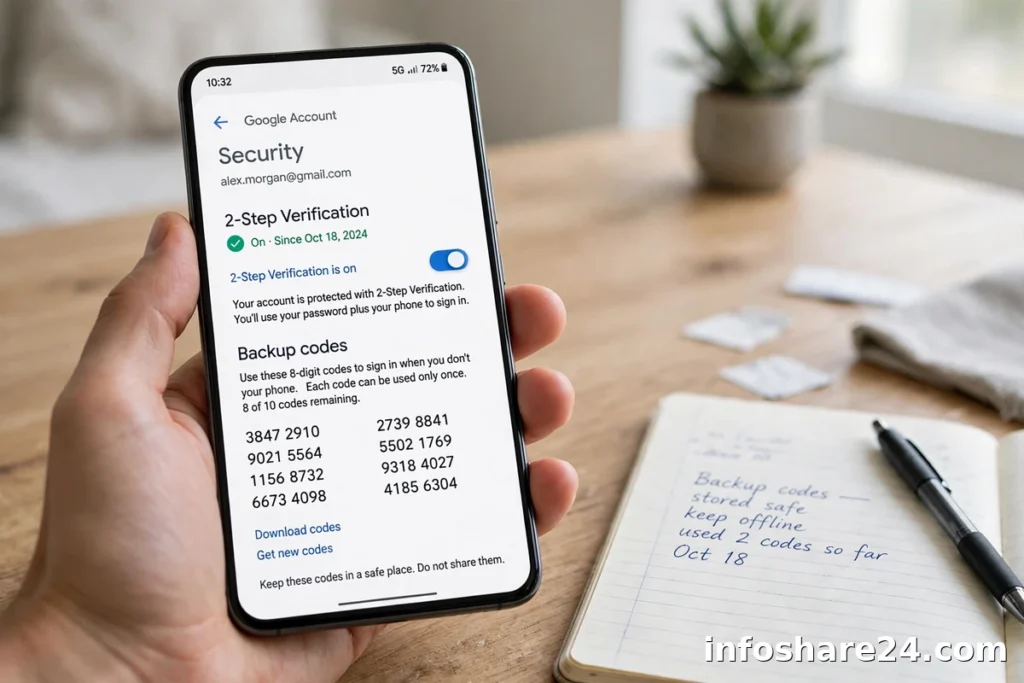
Recovery is the hard way to learn this lesson. Spend ten minutes now so you never do it again.
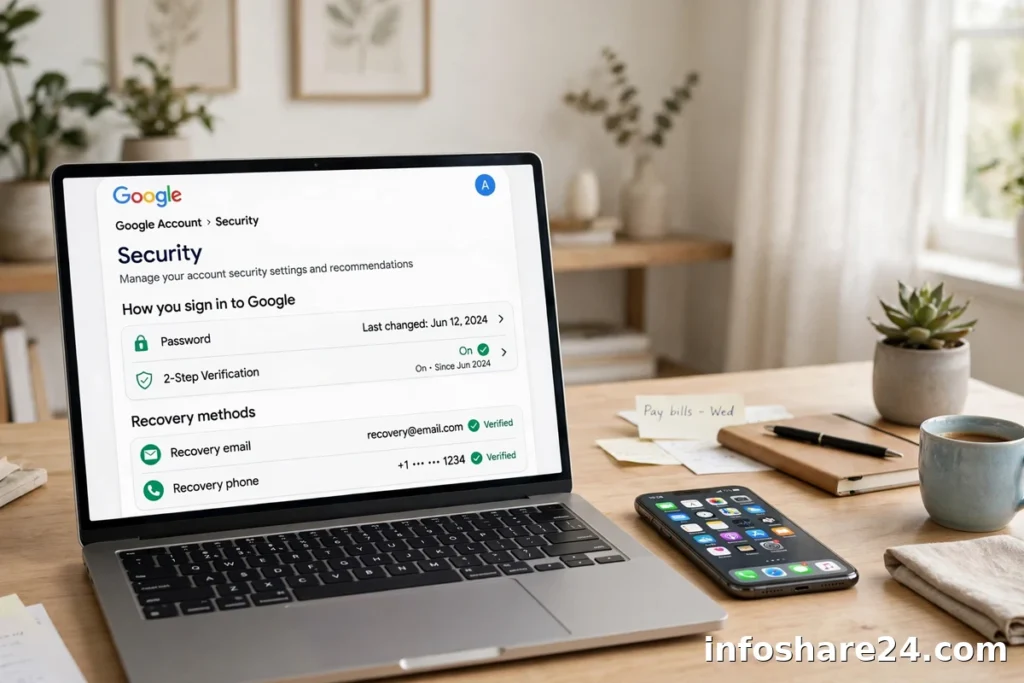
- Add a recovery email and a recovery phone at myaccount.google.com, then Security, then “Ways we can verify it’s you”. New details can take up to 7 days to take effect, so add them now.
- Turn on 2-Step Verification. A second step stops most hackers even if they steal your password: What Is Two-Factor Authentication and How to Turn It On.
- Save your backup codes somewhere safe. Google gives you 10 single-use codes, each 8 digits long. Print them or write them down, and never share them.
- Set a strong, new password. Do not reuse the old one or a password from another site.
- Consider a passkey, which lets you sign in with your fingerprint or face instead of a password.
Full setup: How to Create a Strong Gmail Account and Keep It Secure.
Frequently Asked Questions
Can I call Google to recover my Gmail account?
No. Google says you cannot call for help signing in, and it does not work with any recovery service.
How long does Gmail account recovery take?
With a recovery phone or email, a few minutes. If you recently changed recovery details, up to 7 days. With 2-Step Verification and no second step, Google says 3 to 5 business days.
Can I recover a deleted Gmail account?
Only if you act soon after deleting it. Go to the recovery page and enter the deleted address. After too long, the account is gone for good.
Conclusion
Getting locked out of Gmail feels like losing the keys to your whole digital life. But most lockouts are fixable through Google’s official recovery page, if you stay patient, use a familiar device, and answer every question as best you can. Never hand the problem to a stranger — no paid service or “decrypt” tool can open your account for you. Recover it, then protect it — add a recovery email and phone today, turn on 2-Step Verification, and save your backup codes.