
You open Facebook and your password no longer works. Or a friend messages you: “Did you just send me a strange link?” That is how most people realise their account was hacked — and the first hour is when quick action helps most.
The good news is that Facebook has a dedicated recovery page for exactly this, and most accounts can be taken back by following it step by step. This guide shows you how to recover hacked Facebook account access, step by step. For prevention, see: How to Protect Your Facebook Account from Hackers.
How to Tell Your Account Was Hacked
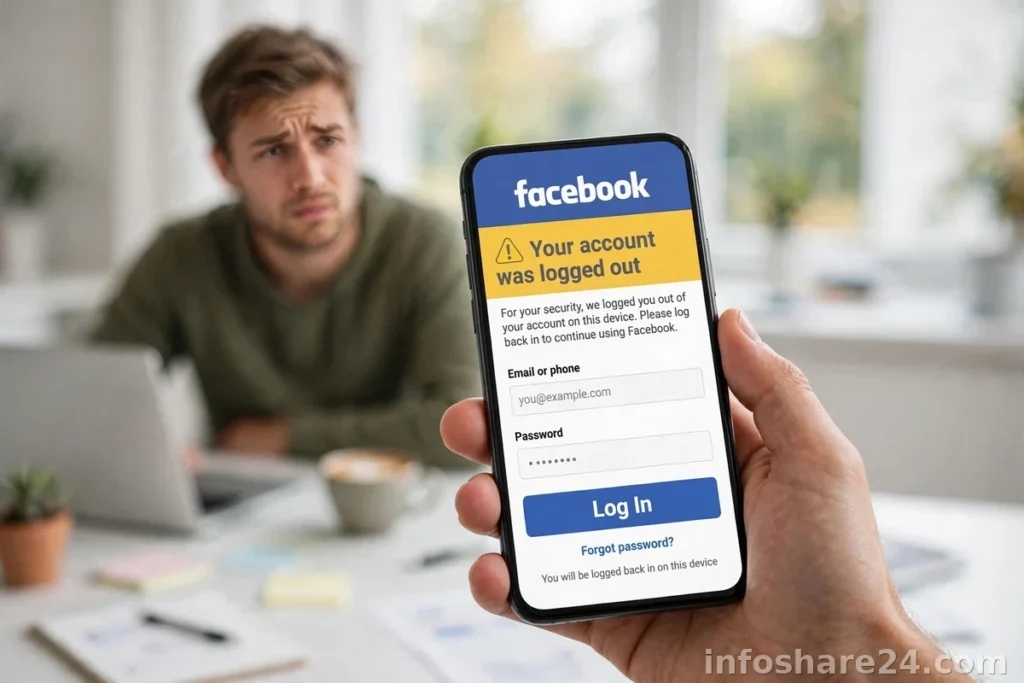
Not every login problem means a hack, but several signs together usually do:
- Your password suddenly stops working, even though you typed it correctly and have not changed it.
- You get login alerts or password-reset emails you did not ask for.
- Friends tell you about posts or messages you never sent, often with strange links or requests for money.
- Your profile looks different — a new name, photo, or email address you did not set.
If one or two of these are true, treat the account as hacked and start the recovery below.
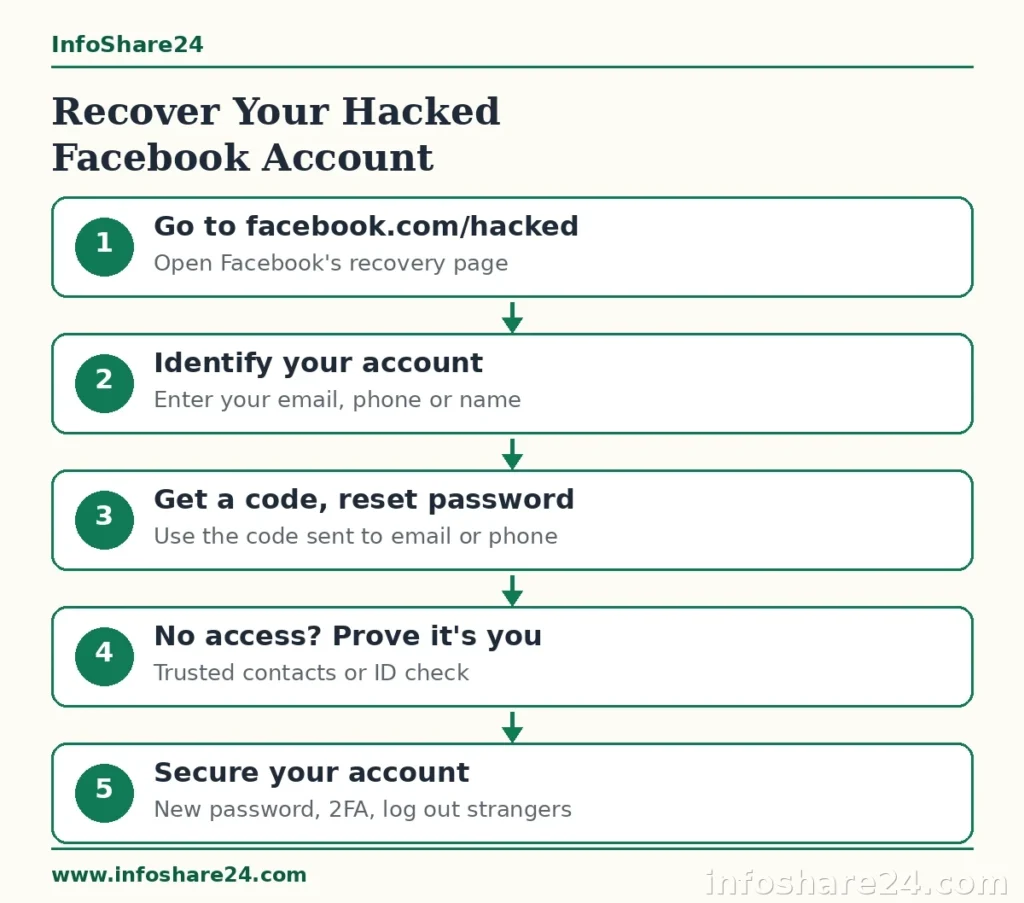
Step 1: Go to facebook.com/hacked
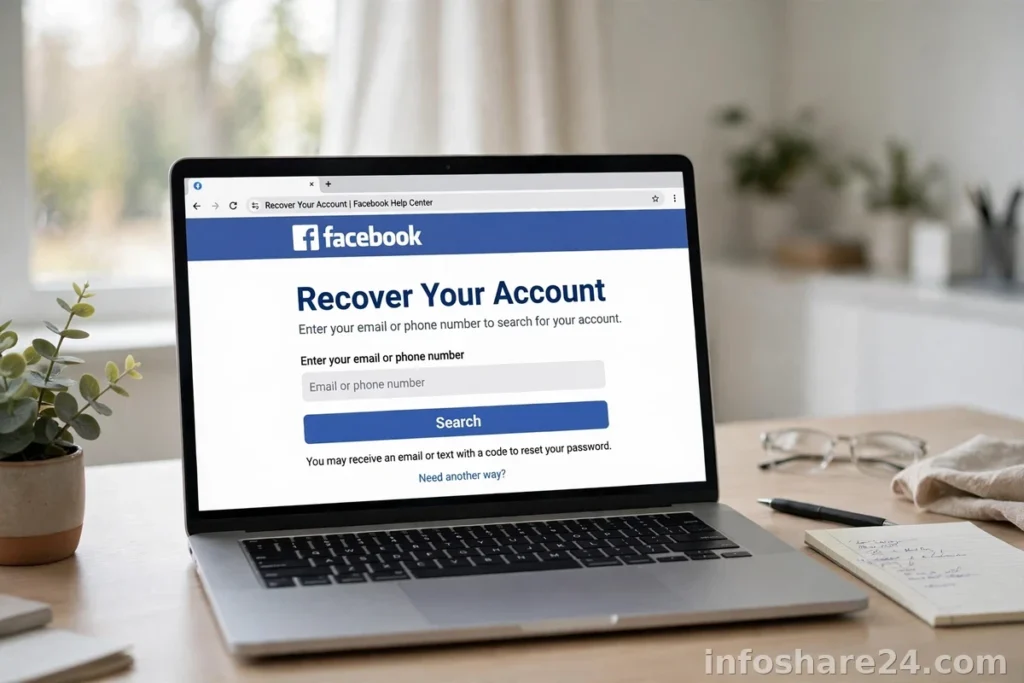
Start at Facebook’s recovery page. Do not search for “Facebook support” and click a random result — scammers run fake recovery pages that ask for your password or money. Type the address yourself.
- Open a browser on a device you trust — your own phone or computer, not a public computer or a borrowed phone.
- Type facebook.com/hacked into the address bar and press Enter. This is Facebook’s official page for hacked accounts.
- Do not pay anyone to recover your account. Facebook does not charge for recovery, and no one from Facebook will ask for your password or a payment.
Step 2: Identify Your Account
Facebook needs to know which account is yours first.
- Enter your email address, phone number, or full name in the box, then press Search.
- Pick your account from the results if more than one appears. Check the profile photo and name carefully — many people share the same name.
- Choose how Facebook should contact you. Pick the email or phone number you can still access. If the hacker changed these, Step 4 covers that.
Step 3: Reset Your Password with a Code
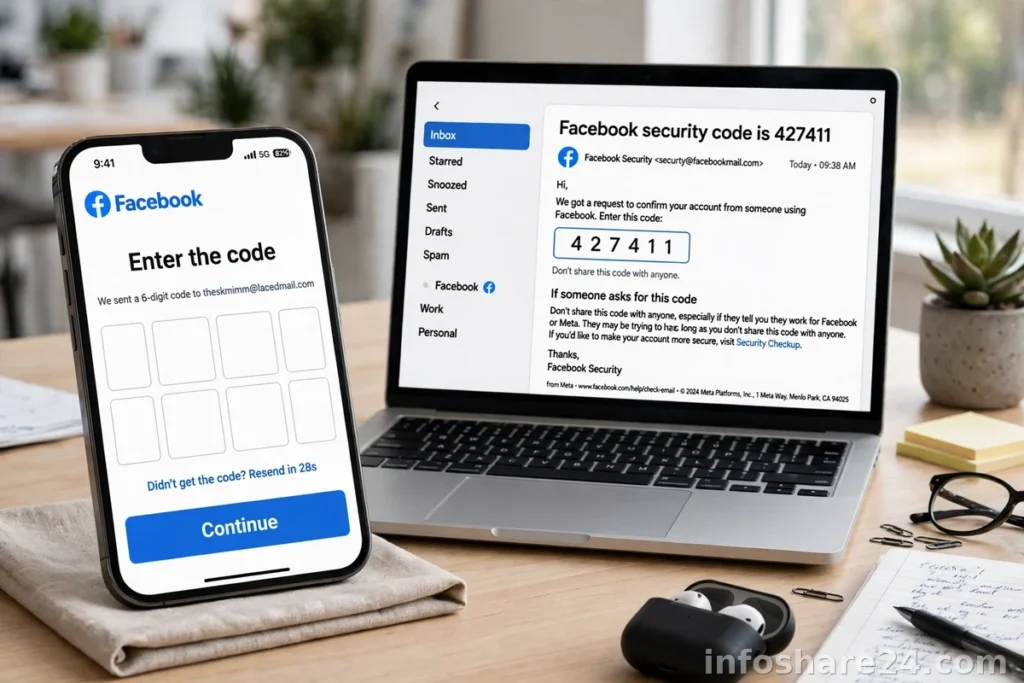
Once Facebook finds your account, it will send you a code to prove you are the owner.
- Ask Facebook to send the code to your email or phone — whichever you can open right now.
- Open the message and copy the code. It usually arrives within a minute or two.
- Type the code into the recovery page and press Continue. The code works for a short time only, so enter it straight away.
- Set a new password you have never used before. Make it long, and do not reuse a password from another site. For help, see: How to Create a Strong Password You Can Actually Remember.
Never share the recovery code with anyone — not even someone who says they work for Facebook. For more on this trick, see: How to Spot and Avoid OTP Scams.
Step 4: What to Do If the Hacker Changed Your Email or Phone
This is the hardest case: the only email or phone Facebook shows belongs to the hacker. You still have ways back in.
- Try “No longer have access to these?” on the recovery page. Facebook will ask for a new email address where it can reach you.
- Use trusted contacts, if you set them up earlier. Facebook can send each of them a recovery code. Ask them to send their codes to you, then enter all of them on the recovery page.
- Verify your identity with an ID if Facebook asks. Facebook may ask for a photo of a government ID, such as a passport or national ID card, to check that the name matches the account. Upload it only through facebook.com/hacked, never through a link someone sent you.
- Wait and check your new email. ID checks can take a few days.
If none of these work, keep trying the recovery page every few days. For keeping your email safe, see: How to Create a Strong Gmail Account and Keep It Secure.
Step 5: Secure Your Account After Recovery
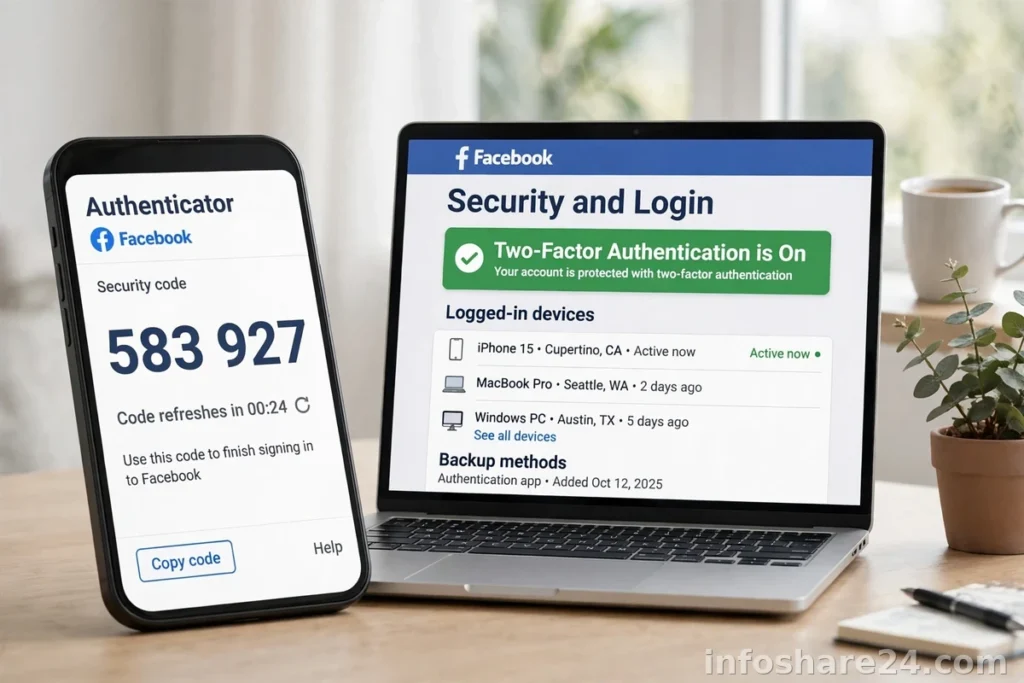
Getting back in is only half the job — the hacker may still have a way in, so lock the account down first.
- Change your password again, to a fresh strong one, if the one you set during recovery was short or reused.
- Turn on two-factor authentication. Go to Settings, then Password and Security, and turn it on. Logging in then needs your password plus a code from your phone, so a stolen password alone is not enough. For a walkthrough, see: What Is Two-Factor Authentication and How to Turn It On.
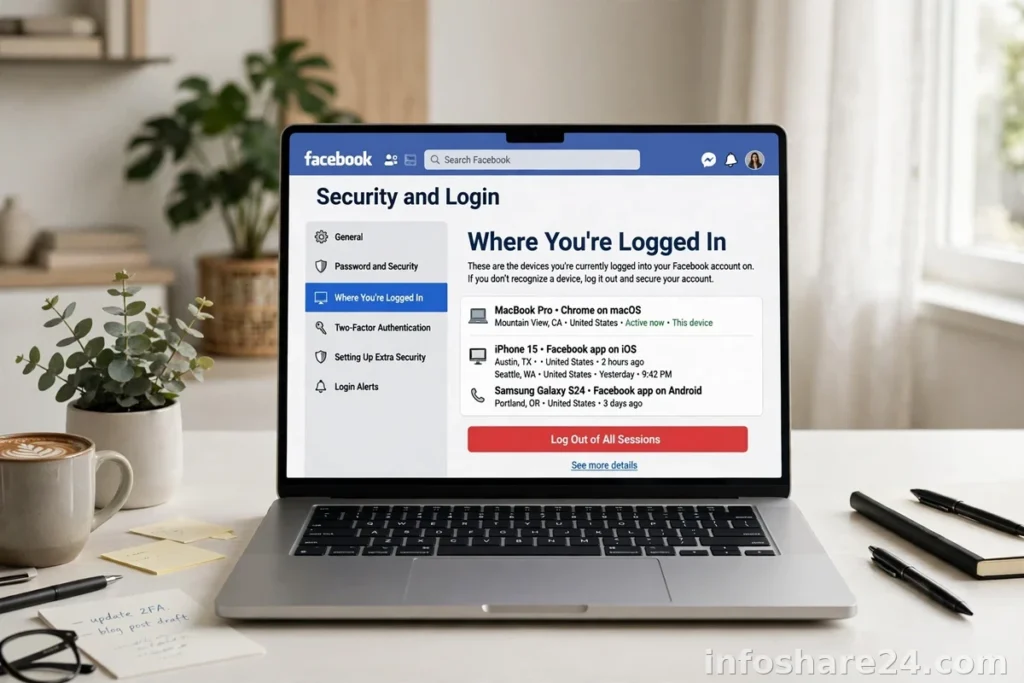
- Review your logged-in sessions and log out the hacker. Go to Settings, then Password and Security, then “Where You’re Logged In.” Log out any device you do not recognise, and use “Log out of all sessions” if unsure.
- Check the email and phone number on your account. In Settings, open Personal Details and confirm they are yours. Remove any you do not recognise.
- Check connected apps and websites. In Settings, open “Apps and Websites” and remove anything you do not recognise — a hacker can keep access through an old app permission.
- Clean up what the hacker did. Delete posts and messages you did not send, and tell your friends to ignore strange messages from your account.
If You Still Cannot Recover Hacked Facebook Account Access
While you wait, beware of fake help: search results and comments are full of people offering to recover accounts for a fee, and some pretend to be Facebook support. Facebook does not offer recovery through WhatsApp, Telegram, or paid agents, and it will never ask for your password, your recovery code, or a payment. Anyone who does is a scammer. Check unexpected offers against the signs in: How to Spot a Phishing Message in 30 Seconds. Warn your friends too — the hacker may message them asking for money or sending harmful links. And save screenshots of strange posts and messages, in case you need them later.
Frequently Asked Questions
How long does it take to recover a hacked Facebook account?
If you can still access your email or phone, it usually takes a few minutes. If you need an ID check, it can take a few days.
Can I recover my account without my email or phone number?
Yes, sometimes — use the “No longer have access to these?” option, try trusted contacts, or verify your identity with an ID.
The hacker changed my password and my email. Is my account gone forever?
Not necessarily. Facebook’s ID check exists for this — if the name on your ID matches the account, Facebook can give it back.
Should I create a new Facebook account instead?
Only as a last resort — your friends, photos, and messages stay in the old one.
Conclusion
To recover hacked Facebook account access, it comes down to five steps: go to facebook.com/hacked, identify your account, reset your password with a code, prove it is you if needed, and secure the account with a new password, two-factor authentication, and a session check.
Do it today, while you still remember your details and your friends can help. Once you are back in, turn on two-factor authentication — the single step that makes a second hack far harder. For the full prevention checklist, read: How to Protect Your Facebook Account from Hackers.